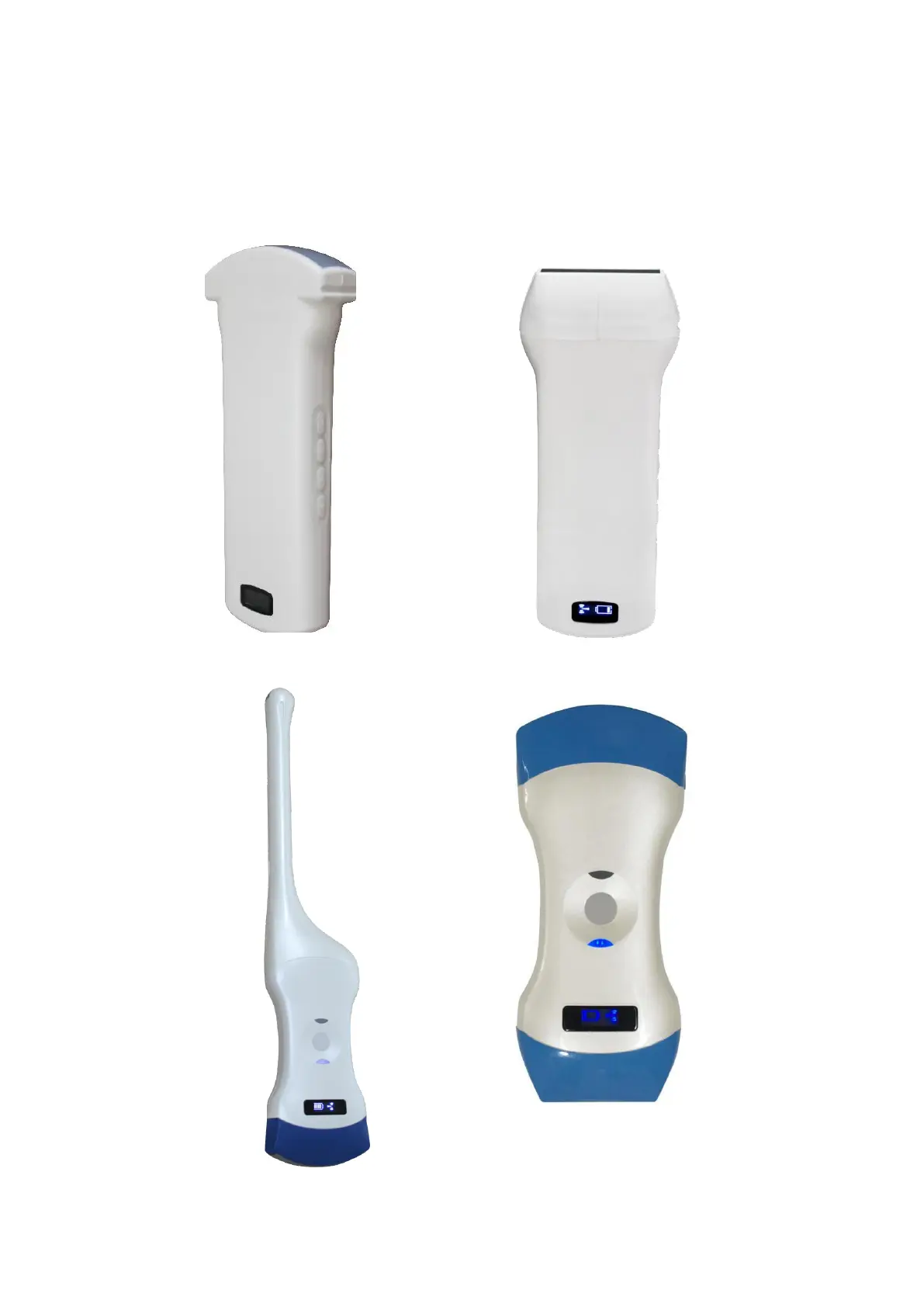
3
Switch the probe: press and hold the switch for three seconds
Working state display: indicator lamp indicates the position of the convex array to work
with the convex array probe, and indicator linear array position to work with the linear
array probe
Charging support: this probe only supports wireless charging.
Picture 2-4 C-probe&L-probe
Picture 2-5double head(CT-probe&CL-probe)


 To Next Page