Manual Supercom 636 R+W rev. 010312 12
2. To read a device send the command “SND_UD" (Addr.251):
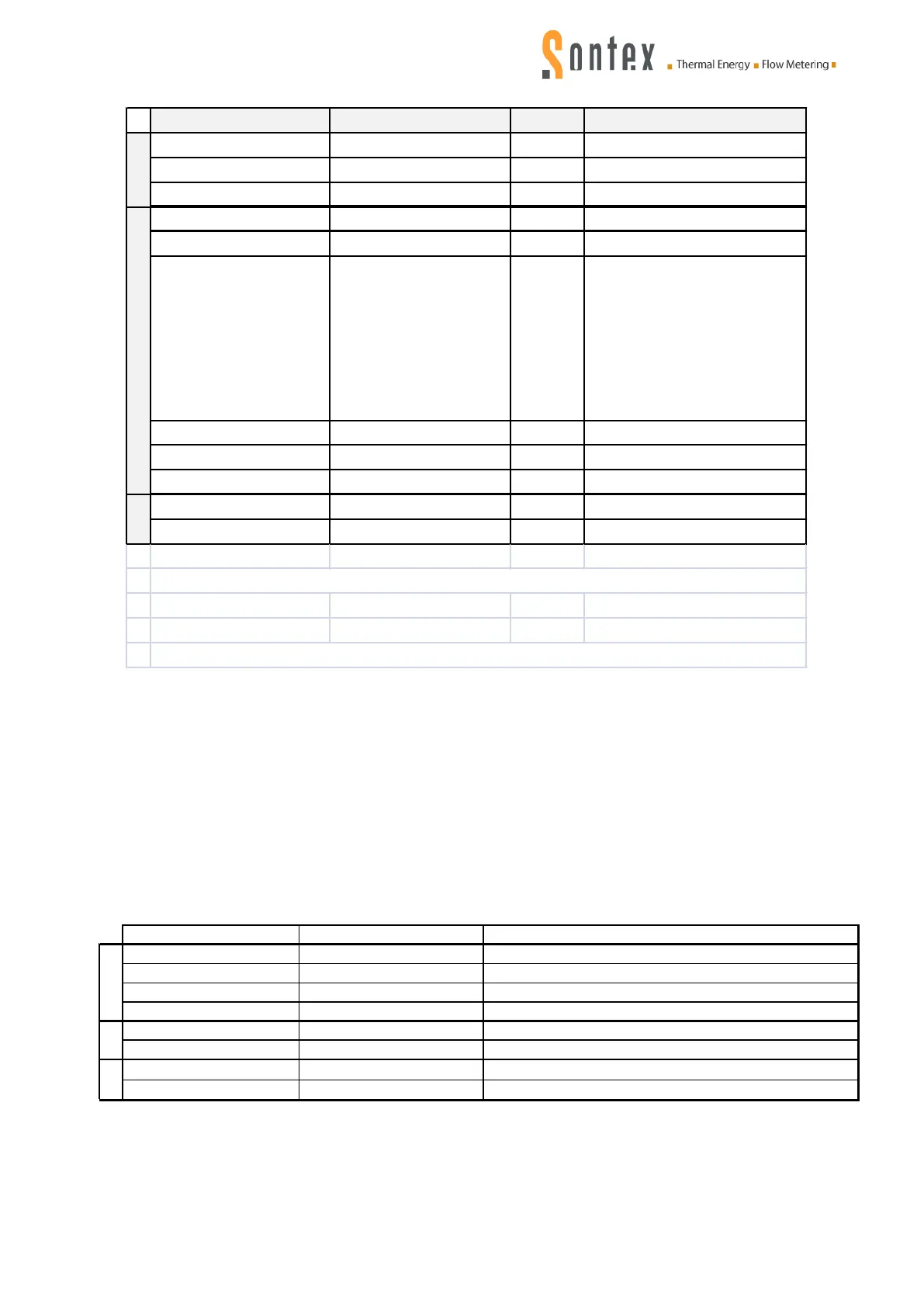
Field
Frame bytes in hex (Note 1) Coding Comment
Control
73|53
Send user data to slave, SND_UD
Control Information
51
Stuctured write telegram
Current date & time
04,6D,xx xx xx xx
F, 32 bits
0D,FF 16,Ls xx xx xx
xx xx xx xx xx xx xx
xx xx xx xx xx xx xx
xx xx xx xx xx xx xx
xx xx xx xx xx xx xx
xx xx xx xx xx xx xx
xx xx xx xx xx xx xx
xx
Parameters flags
01,FD 66,pp
D, 8 bits
Start read radio process
01,FF,24,00
§
Start write radio process
01,FF,24,01
§
Symbols
‡ Function: 0=instantaneous, 1=maximum, 2=minimum, 3=during error state
§ manufacturer specific VIFE
Notes
1. For non hexadecimal or lower case digits see the detailled description in the Keys sheet.
Read process:
The field “Current date & time” must be added in the “Add entry to device list” if bit7”Adjust device
clock” = 1 of Options byte.
The field “Add entry to device list” is detailed in Annex B.
The field “Start read radio process” starts the read radio communication.
Write process:
The field “Add entry to device list” is detailed in Annex E.
The field “Start write radio process” starts the write radio communication.
3. Sending the command “REQ_UD2” if the radio process is in progress, the radio modem Su-
percom 636 is communicating by radio with the device, will return a “busy” frame:
Start, Length
68,04 04,68
See Note 1
Control
08
Respond with user data, RSP_UD
Control Information
70
Repport of application errors
08
Application to busy for handling readout request
4. If the modem is no longer busy send the command “REQ_UD2” (Addr.254) to readout the de-
vice frame.
5. If a radio problem occurs (e.g. no answer of the device), the frame RSP_UD of the device con-
tains only the header without data or doesn’t send anything at all.
See parameter flags “pp” in the frame Rsp1 of the modem.
Also check bit7 of status byte “st” in the frame Rsp1 of the modem.


 To Next Page