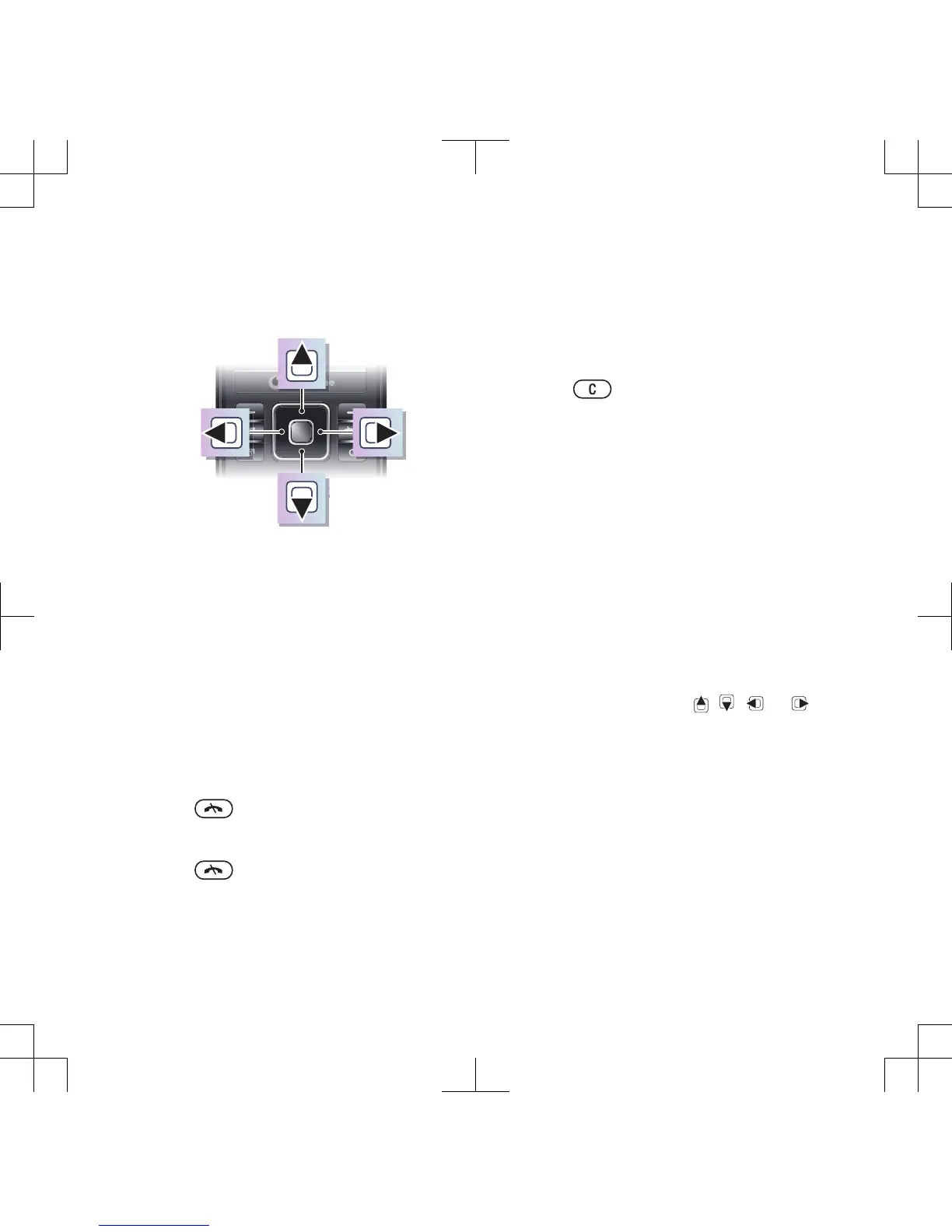
Navigation
To navigate the phone menus
1
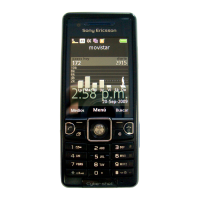
From standby select Menu.
2
Use the navigation key to move
through the menus.
To select actions on the screen
•
Press the left, centre or right selection
key.
To view options for an item
•
Select Options to, for example, edit.
To end a function
•
Press .
To return to standby
•
Press
.
To navigate your media
1
From standby select Menu > Media.
2
Scroll to a menu item and press the
navigation key right.
3
To go back, press the navigation key
left.
To delete items
•
Press to delete items such as
numbers, letters, pictures and sounds.
Object Missing
This object is not available in the
repository.
To scroll between tabs
•
Press the navigation key left or right.
Shortcuts
You can use keypad shortcuts to go
directly to functions.
To use navigation key shortcuts
•
From standby press , , or to
go directly to a function.
To edit a navigation key shortcut
1
From standby select Menu > Settings >
the General tab > Shortcuts.
2
Scroll to an option and select Edit.
3
Scroll to a menu option and select
Shortc..
Getting started 15







 To Next Page