I have forgotten my code memo
passcode
If you forget your passcode, you must
reset the code memo. This means that
all entries in the code memo are
deleted. The next time you enter the
code memo, you must proceed as if
you are opening it for the first time.
To reset code memo
1
From standby select Menu > Organiser
& Tools > Code memo.
2
Enter an incorrect passcode 3 times.
3
Reset Code memo and delete all
items? appears.
4
Select Yes.
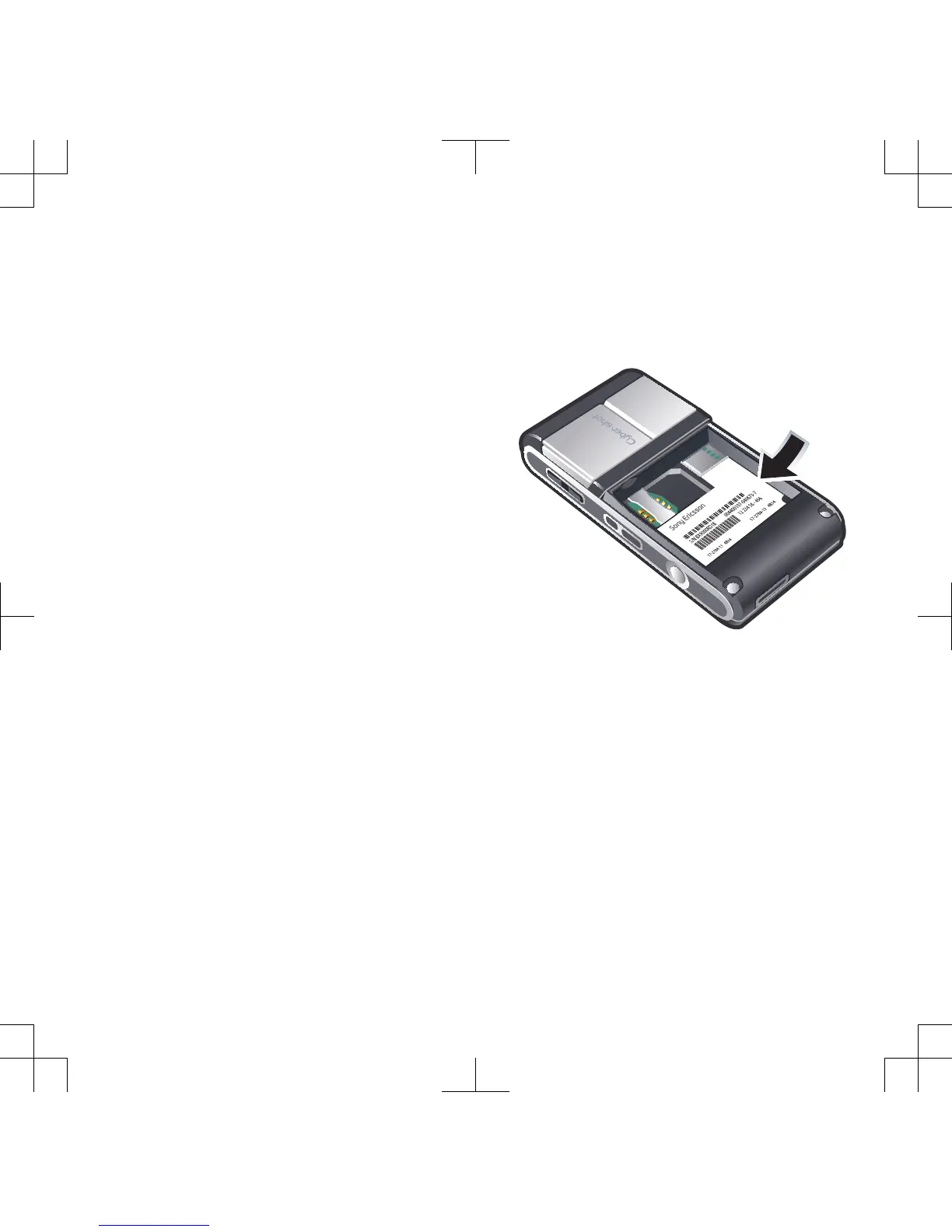
Where can I find the regulatory
information such as my IMEI number
if I cannot turn on my phone?
Error messages
Insert SIM
There is no SIM card in your phone or
you may have inserted it incorrectly.
See To insert the SIM card on page 7.
The SIM card connectors need
cleaning. If the card is damaged,
contact your network operator.
Troubleshooting 69












 To Next Page