EasyManua.ls Logo

Sony Ericsson C905 - Cyber-Shot; Using the Camera

Sony Ericsson C905
95 pages
Print Icon
To Next Page IconTo Next Page
To Previous Page IconTo Previous Page
Loading...
Cyber-shot™
You can take photos and record video
clips to view, save or send. You find
saved photos and video clips in Media
and in My Files.
Using the camera
Your Cyber-shot™ camera has 8.1 MP
with auto-focus, face detection and
photo flash. You can use the light when
recording videos.

4
5
6
1
2
3
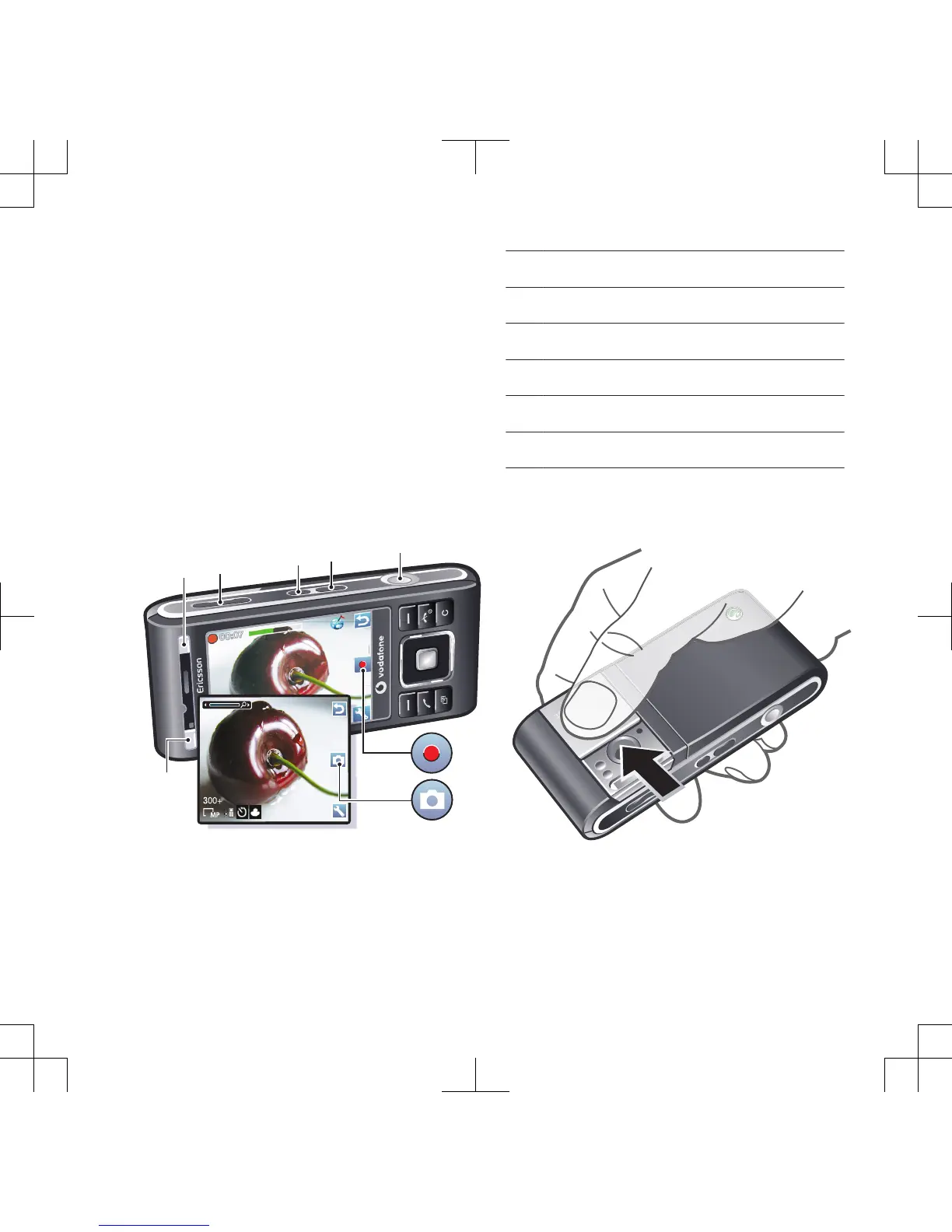
1 Take photos/Record video
2 Select camera mode
3 View photos and videos
4 Zoom in or out
5 Shoot mode
6 Scenes
To activate the camera
Open the retractable lens cover.
Cyber-shot™ 19

Table of Contents

Related product manuals