To improve a photo with Photo fix
1
Activate the camera and press the
navigation key left or right to select .
2
Make sure Review is set to On. Select
> Settings and scroll to Review >
On.
3
Take a photo.
4
During review, select Options > Photo
fix.
To use Photo Mate
•
From standby select Menu > Organiser
& Tools > Applications > Photo Mate.
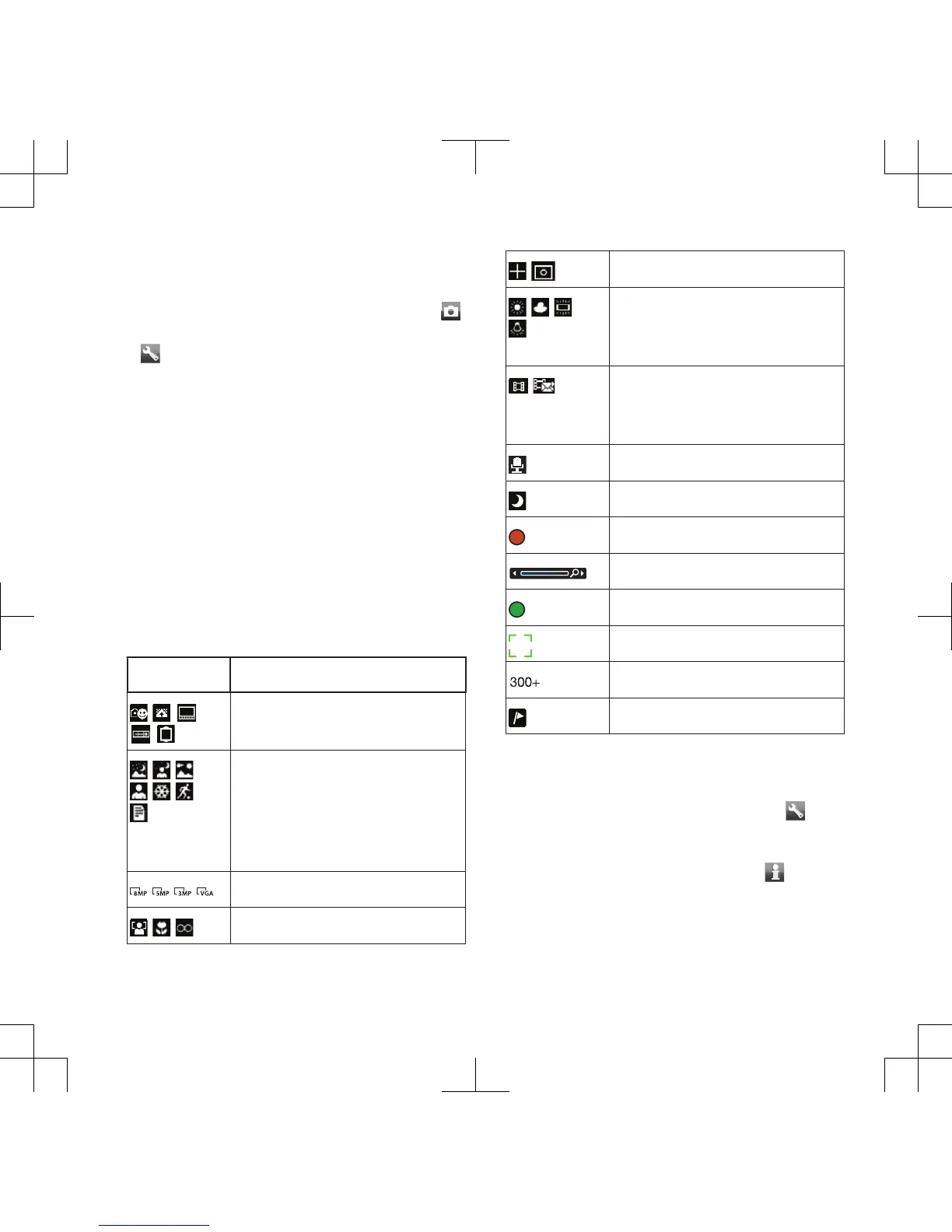
Camera icons and settings
Icons on the screen inform what the
current setting is. More camera
settings are available in Settings.
Icon Description
Shoot mode
Scenes. Predefined
settings for common photo
situations, including
landscape, portrait and
sport
Picture size
Focus/Face detection
Metering mode
White balance. To adjust
colour tones to the lighting
conditions
Video length. For picture
messages, the length is
limited
Microphone
Night mode
Video: recording
Zoom
Auto focus
Focus frame
Camera: remaining photos
Geo tagging is turned on
To change settings
•
Activate the camera and select .
To view information about settings
•
Scroll to a setting and select .
Cyber-shot™ 21












 To Next Page