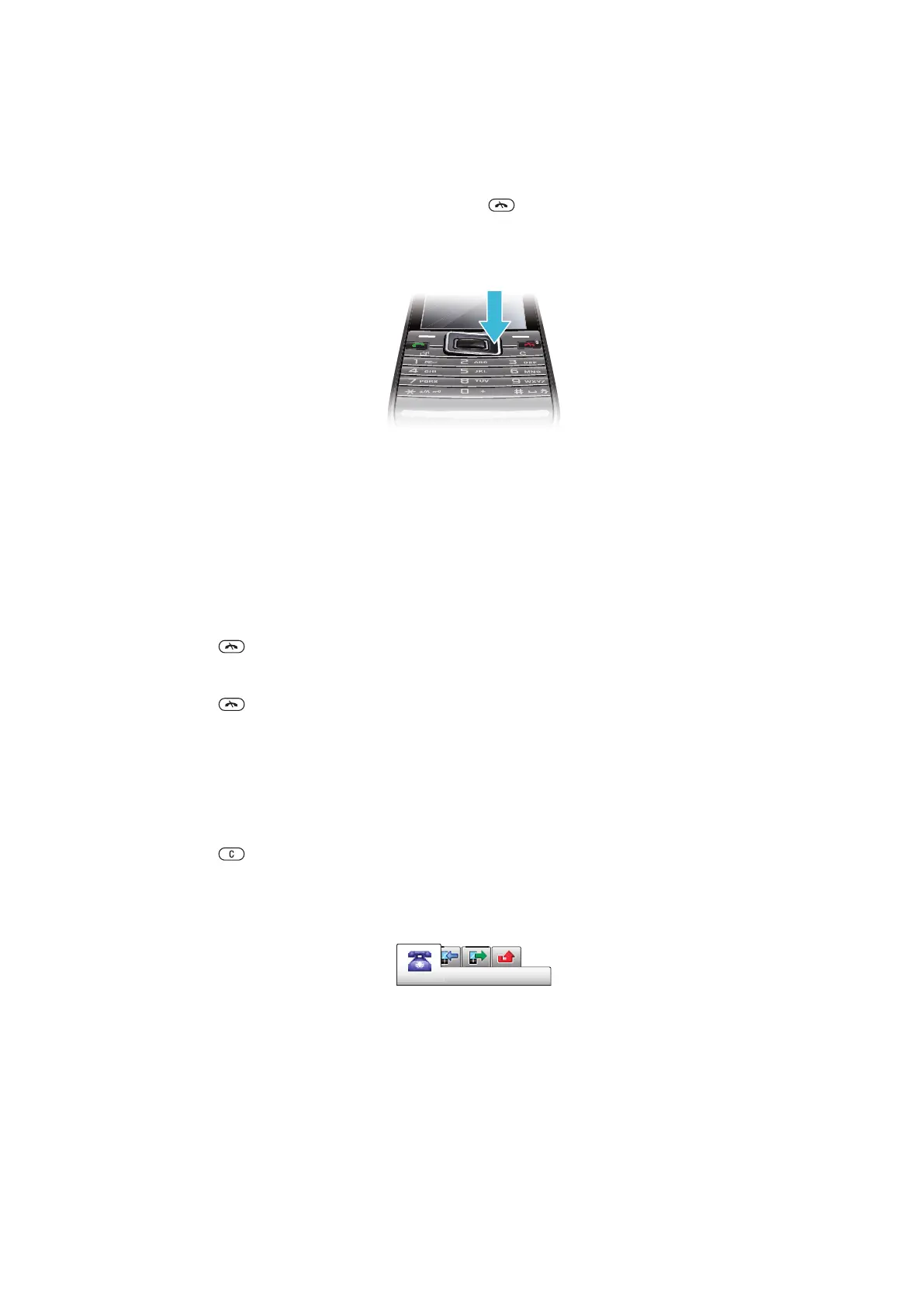
Navigation
To access the main menu
•
When Menu appears on the screen, press the center selection key to select
Menu.
•
If Menu does not appear on the screen, press , and then press the center
selection key to select Menu.
To navigate the phone menus
•
Press the navigation key upwards, downwards, left or right to move through the
menus.
To select actions on the screen
•
Press the left, center or right selection key.
To view options for an item
•
Select Options to, for example, edit.
To end a function
•
Press .
To return to standby
•
Press .
To navigate your media
1
Select Menu > Media.
2
Scroll to a menu item and press the navigation key right.
3
To go back, press the navigation key left.
To delete items
•
Press
to delete items such as numbers, letters, pictures and sounds.
Tabs
Tabs may be available. For example, Calls have tabs.
To scroll between tabs
•
Press the navigation key left or right.
Shortcuts
You can use the navigation key shortcuts to go directly to functions from standby.
To use navigation key shortcuts
•
Press the navigation key upward, downward, left, or right to go directly to a function
12
This is an Internet version of this publication. © Print only for private use.













 To Next Page