Music
You can listen to music, audio books, and podcasts. Use the Media Go™ application to
transfer content to and from your phone. For more information, see Transferring content
to and from a computer on page 40.
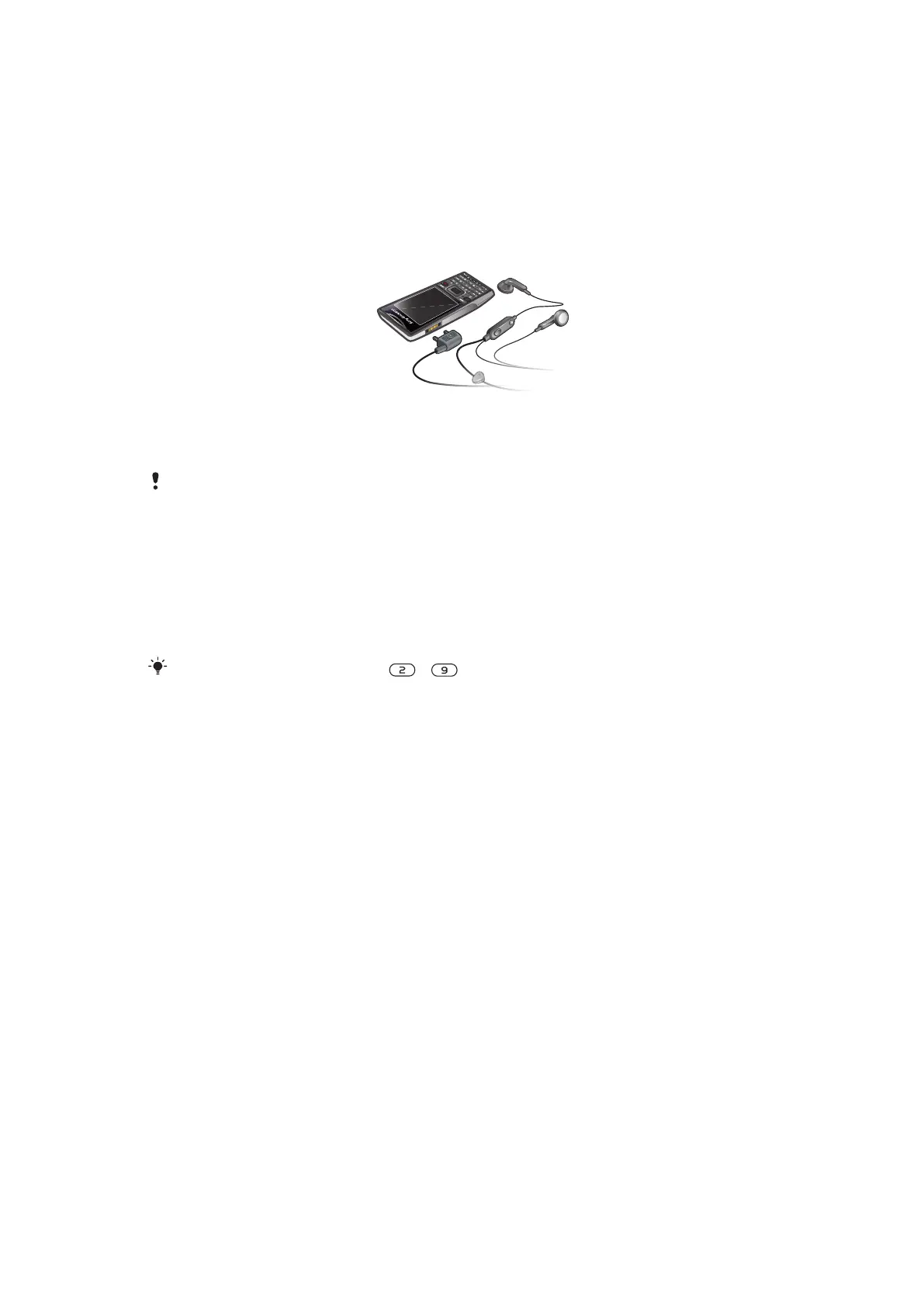
Stereo portable handsfree
To use a handsfree
•
Connect a portable handsfree. Music stops when you receive a call and resumes
when the call has ended.
If headphones are not included with the phone, you may purchase them separately.
Music player
To play music
1
Select Menu > Media > Music.
2
Browse by category using the navigation key.
3
Scroll to a title and select Play.
Within a category, you can press
– to go to entries beginning with a specific letter.
To stop playing music
•
Press the center selection key.
To fast forward and rewind
•
Press and hold down the navigation key right or left.
To move between tracks
•
Press the navigation key right or left.
To change the volume
•
Press the volume keys up or down.
To minimise the music player
•
Select Options > Minimise.
To return to the player
•
Select Menu > Media.
Supported file formats
The following file formats are supported by your phone:
31
This is an Internet version of this publication. © Print only for private use.













 To Next Page