22
Getting to know your phone
For example, to enter “
信息
”
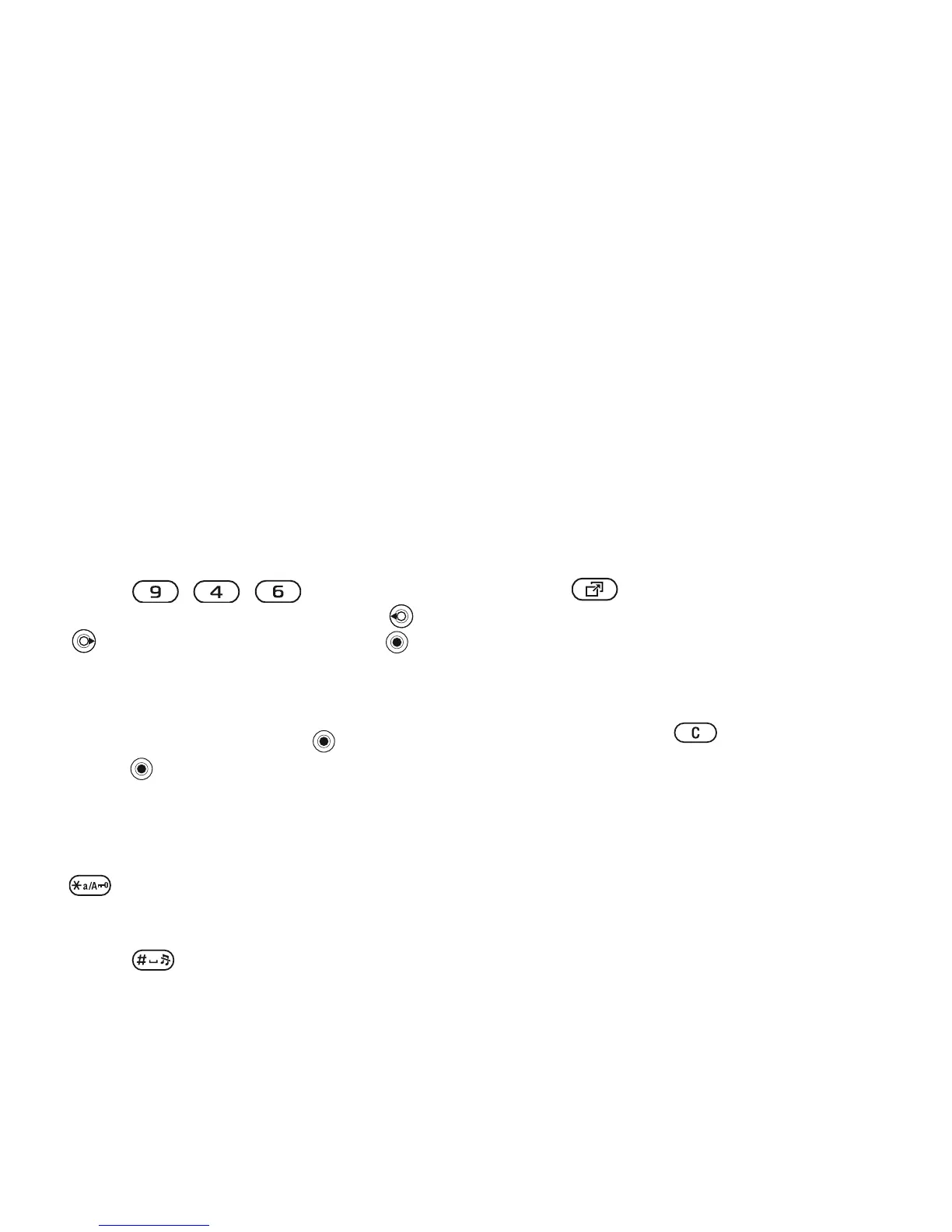
1 Press , , .
2 When “xin” is highlighted, press
or
and select “
信 ”, then press .
(If you want to enter any of the other
suggested Pinyin combinations, scroll
up or down to the desired
combination, then press ).
3 Press again to select “
息 ”.
Input punctuation, symbols and
smilies
Under any Chinese input mode, press
, to see the tabl
e of punctuation
marks, symbols and smilies. Use the
navigation key to
make a selection.
Press to enter a space into the
text.
Activity menu
You can open the activity menu
almost anywhere in the phone to view
and manage new events, and access
bookmarks and shortcuts.
To open and close the activity menu
Press .
Activity menu tabs
• New events
– such as missed calls
and messages. When a new event
occurs, the tab appears on the
screen. Press to dismiss or
delete an event from the event tab.
• My shortcuts – applications that are
running in the background. You can
add, delete and change the order of
shortcuts. When you select a
shortcut and the application opens,
other programs are closed or
minimized.
•
Bookmarks
– your Internet
bookmarks. When you select a
bookmark and the browser opens,
other programs are closed or
minimized.
• If you want new even
ts to appear as
pop-up text instead of in the activity
menu,
} Settings
} the General
tab
} New events
} Popup
.
This is the Internet version of the user's guide. © Print only for private use.
Contents 1
Contents
Getting to know your phone 4
Key functions, quick keys, entering letters and characters.
Personalizing your phone 22
Download settings or choose from the phone.
Calling 31
Use the Phonebook, voice control, call options.
Messaging 51
Multimedia messaging, chat and e-mail.
Camera 60
Use the camera.
Setting up WAP and e-mail 63
All you need to know about setting up WAP and e-mail.
Using WAP 71
WAP browser, bookmarks.
Transferring and exchanging information 74
Bluetooth wireless technology, synchronization.
More features 79
Calendar, alarm clock, stopwatch, timer, games.
Security 87
SIM card lock, phone lock.
Troubleshooting 89
Why doesn’t the phone work the way I want?
Additional information 91
Safe and efficient use, warranty, declaration of conformity.
Icons 98
What do the icons mean?
Index 105
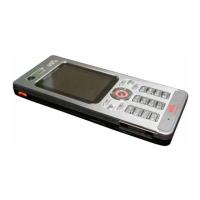
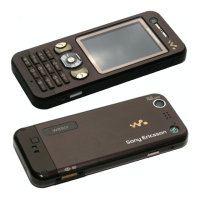
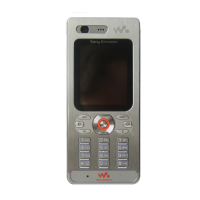
Sony Ericsson T618






 To Next Page