8 Getting started
If you make a mistake while entering
your PIN, delete the number by
pressing .
Light sensor
The phone has a built-in light sensor,
which automatically adapts the screen
and keypad brightness to suit the
surrounding lighting conditions.
Turning on the phone and
making calls
Make sure that the phone is charged
and your SIM card is inserted before
you turn it on. When you have turned
the phone on, you can use the setup
wizard to quickly and easily prepare
your phone for use.
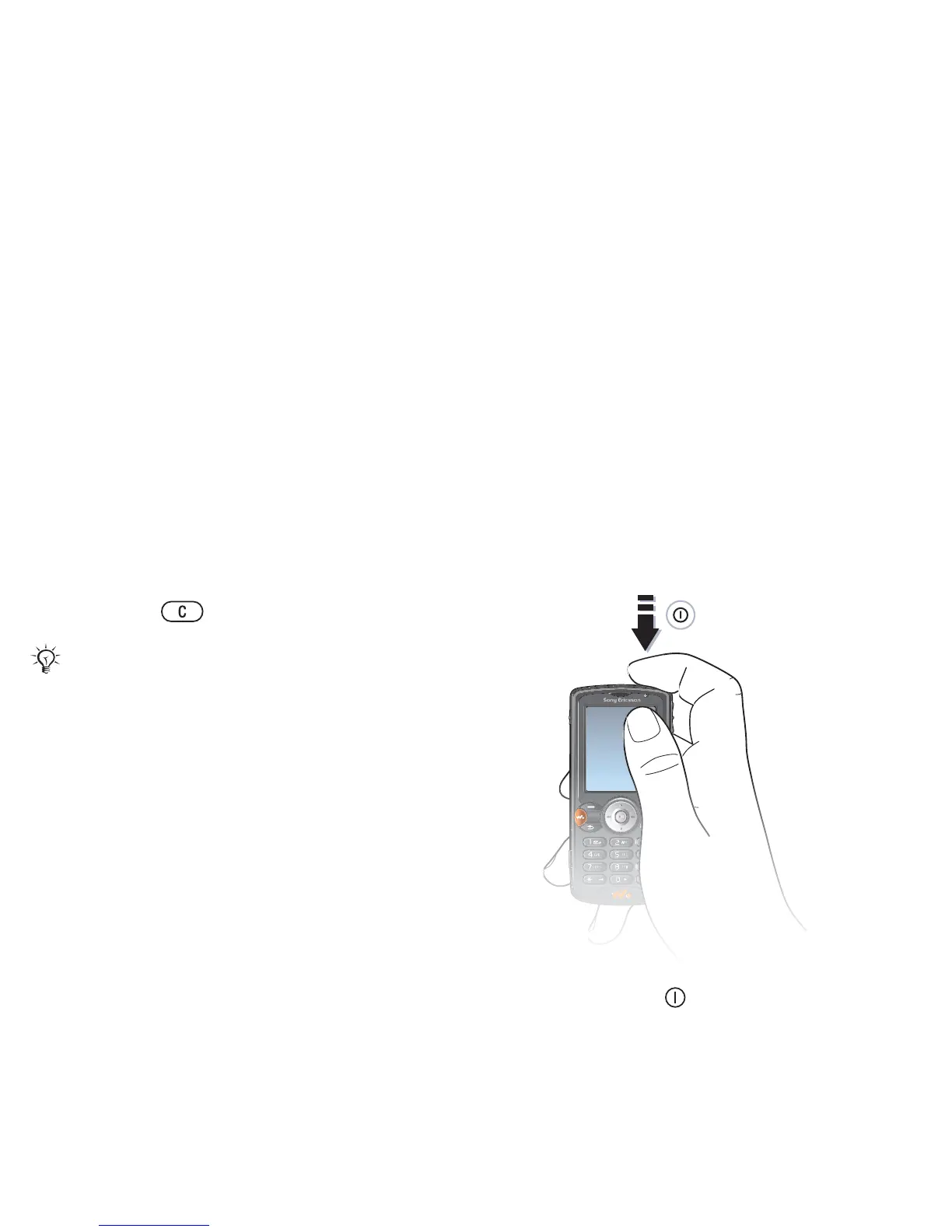
To turn on the phone
1 Press and hold . The first start-up
may take a few minutes.
2 Select Start phone to use the phone
with full functionality or Music only to
use the WALKMAN™ player only.
% 9 Start-up menu.
3 Enter your SIM card PIN, if requested.
4 At first start-up, select the language
for your phone menus.
5 } Yes if you want the setup wizard to
help you get started. Follow the
instructions to complete the setup.
If you enter the wrong PIN three times in
a row, the SIM card is blocked and the
message “PIN blocked” appears. To
unblock it, you need to enter your PUK
(Personal Unblocking Key)
% 78 SIM card lock.
This is the Internet version of the user's guide. © Print only for private use.
Contents 1
Contents
Getting to know your phone 4
Key functions, quick keys, entering letters and characters.
Personalizing your phone 22
Download settings or choose from the phone.
Calling 31
Use the Phonebook, voice control, call options.
Messaging 51
Multimedia messaging, chat and e-mail.
Camera 60
Use the camera.
Setting up WAP and e-mail 63
All you need to know about setting up WAP and e-mail.
Using WAP 71
WAP browser, bookmarks.
Transferring and exchanging information 74
Bluetooth wireless technology, synchronization.
More features 79
Calendar, alarm clock, stopwatch, timer, games.
Security 87
SIM card lock, phone lock.
Troubleshooting 89
Why doesn’t the phone work the way I want?
Additional information 91
Safe and efficient use, warranty, declaration of conformity.
Icons 98
What do the icons mean?
Index 105
Sony Ericsson T618













 To Next Page