122
Protecting images (Protect)
You can protect images against accidental erasure.
Protecting selected images/canceling the protection of the
selected images
1 MENU button t 1 t [Protect] t [Marked images]
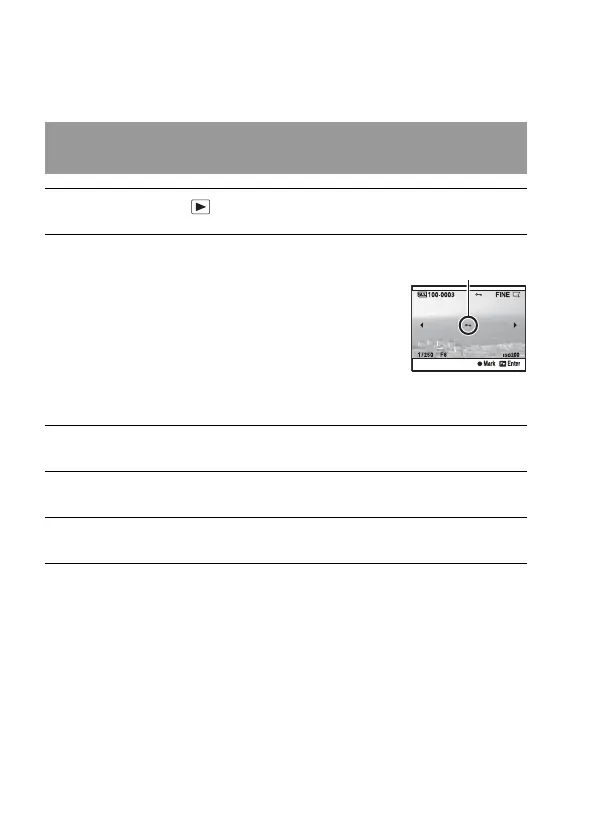
2 Select the image you want to
protect with b/B on the
controller, then press the center
of the controller.
A - mark appears on the selected
image.
• To cancel a selection, press the center
again.
3 To protect other images, repeat step 2.
4 Press the MENU button.
5 Select [OK] with v, then press the center of the controller.
-


 To Next Page