60
Set the mode dial to (Night Port./View).
Set the flash mode to (Flash Off) when you shoot a night view without
persons (page 88).
• Take care that the subject does not move to prevent the image from
blurring.
• The shutter speed is slower, so using a tripod is recommended.
Note
• The picture may not be taken properly when shooting a wholly dark night scene.
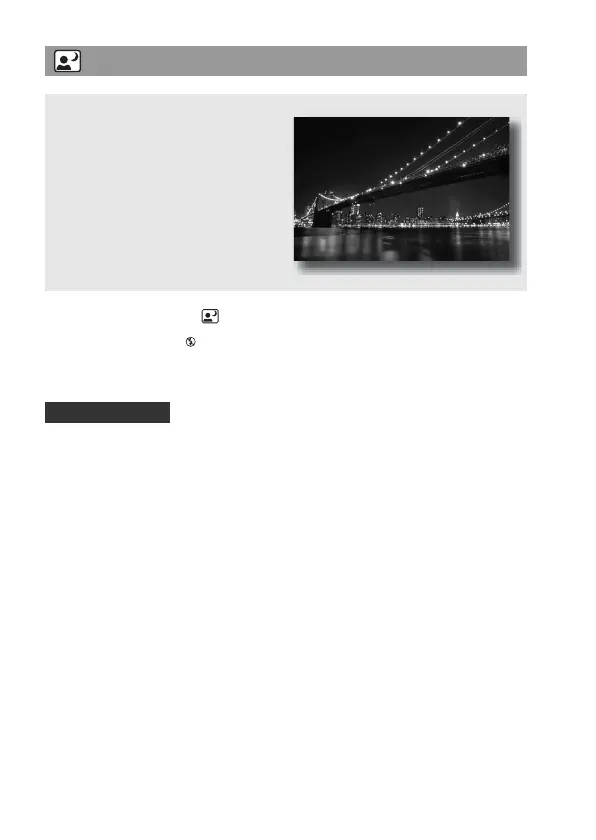
Taking night view photos
This mode is suitable for
z Shooting portraits in night scenes.
z Shooting night scenes at a distance
without losing the dark atmosphere
of the surroundings.
Shooting techniques


 To Next Page