Before your operation
43
Selecting a function/setting
You can select a function for shooting or playback with the one of buttons,
such as the Fn (Function) button, or the MENU button.
In this Instruction Manual, the process of selecting a function with the
controller from the list displayed on the screen is described as follows (we
explain the process with the default icons.):
Example: Fn button t AWB (White balance) t Select the
desired setting
The operation guide list
The operation guide also indicates operations other than the controller
operation. The indications of icons are as follows.
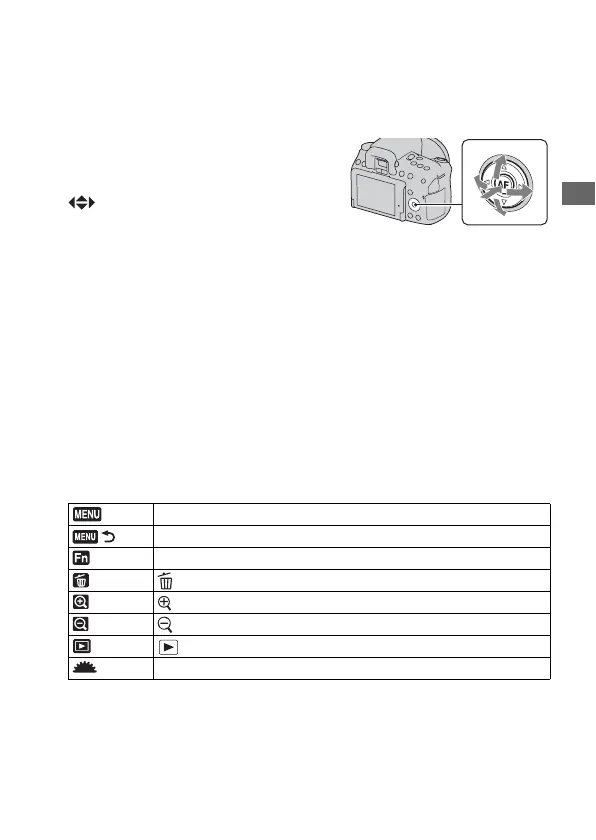
When you start an operation, an operation
guide of controller functions will be
displayed at the bottom of the screen.
: Press v/V/b/B on the controller to
move the cursor.
z: Press the center button to execute the
selection.
MENU button
Returns with MENU button
Fn button
(Delete) button
(Zoom in) button
(Zoom out) button
(Playback) button
Control dial


 To Next Page