98
Compensating for the brightness and
contrast automatically (D-Range)
* Lv_ displayed with is the step currently selected.
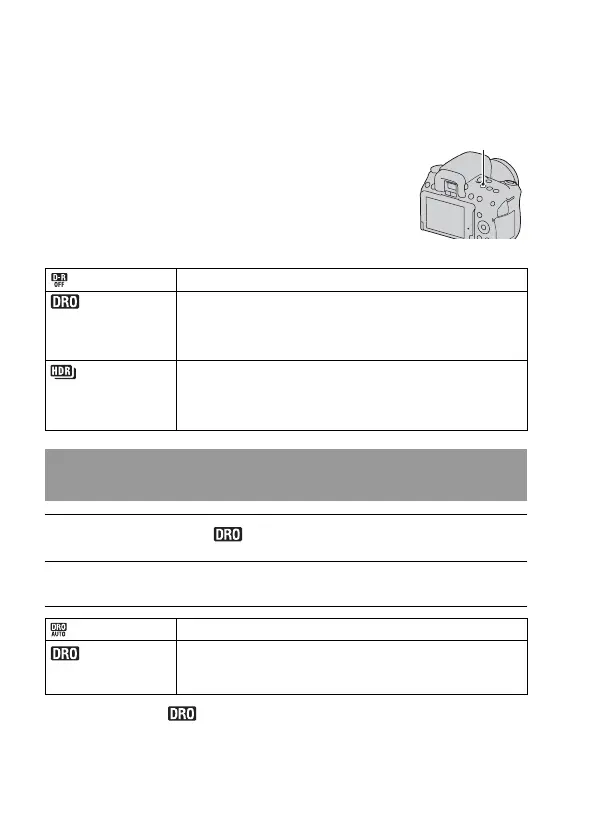
D-RANGE button t Select the
desired setting
D-RANGE button
(Off) Does not use the DRO/Auto HDR functions.
(DRO) By dividing the image into small areas, the camera analyses
the contrast of light and shadow between the subject and the
background, producing the image with the optimal brightness
and gradation.
(Auto HDR) Shoots two images with different exposures, and then
overlays the bright area of the under exposed image and the
dark area of the over exposed image to create an image with
rich gradation.
Correcting the brightness of the image (D-Range
Optimizer)
1 D-RANGE button t (DRO)
2 Select an optimal level with b/B on the controller.
(Auto) Corrects the brightness automatically.
(Level)* Optimizes the gradations of a recorded image in each area of
the image. Select the optimal level between Lv1 (weak) and
Lv5 (strong).


 To Next Page