Viewing images on a computer
151
Note
• “PMB” is not compatible with Macintosh computers.
• Print or save still images with the date.
• Create a data disc using a CD burner drive or DVD burner drive.
• For details on “PMB,” refer to “PMB Guide.”
To start “PMB Guide,” double-click the shortcut of (PMB Guide) on
the desktop. When starting up from the start menu, click [Start] t [All
Programs] t [Sony Picture Utility] t [Help] t [PMB Guide].
Note
• The confirmation message of the Information tool appears on the screen when
starting “PMB” for the first time. Select [Start]. This function informs you of news,
such as software updates. You can change the setting later.
Using “PMB”
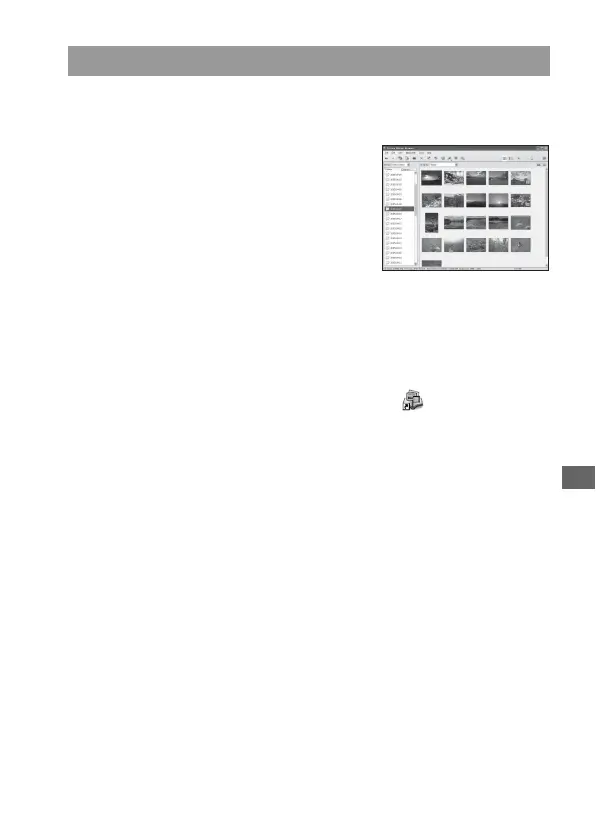
With “PMB” you can:
• Import images shot with the camera and
display them on the computer.
• Organize images on the computer on a
calendar by shooting date to view them.
• Retouch (Red Eye Correction, etc.),
print, and send still images as e-mail
attachments, change the shooting date
and more.


 To Next Page