SLT-A65/A65V
4-287-953-11(1)
G:\Works\CX86800\DTP\IM\4287953111\4287953111SLTA65A65VU2\01GB-
SLTA65A65VU2\050FUN.fm
Master: Right
39
Shooting with the various shooting modes
Shooting images to suit your subject
Sweep Panorama/ 3D Sweep Panorama
1 Set the mode dial to (Sweep Panorama)/ (3D Sweep
Panorama).
2 Press the center of the control button.
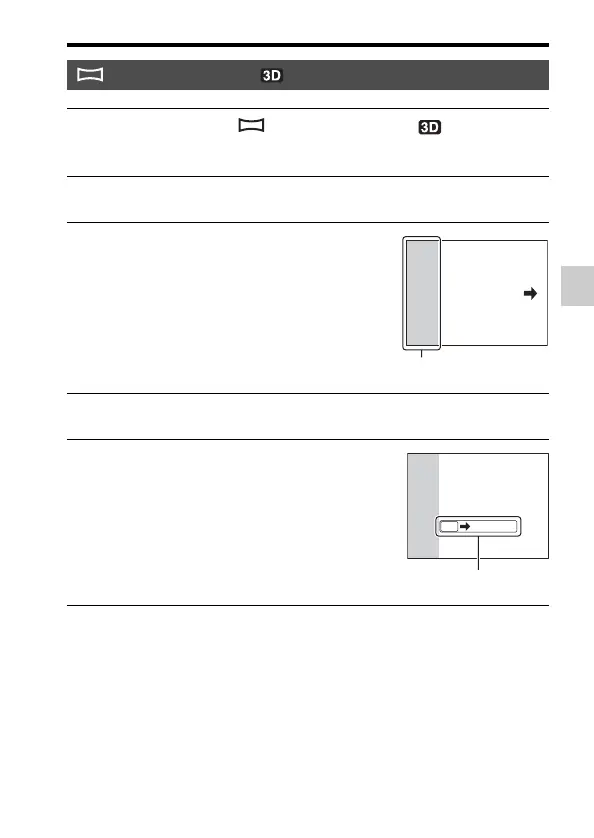
3 Point the camera at the edge of
the subject, then press the shutter
button halfway down to adjust the
focus.
This part will not be taken
4 Press the shutter button fully down.
5 Pan or tilt the camera to the end,
following the guidance on the
screen.
Guidance bar



 To Next Page