SLT-A65/A65V
4-287-953-11(1)
G:\Works\CX86800\DTP\IM\4287953111\4287953111SLTA65A65VU2\01GB-
SLTA65A65VU2\080BEF.fm
Master: L0.Left
52
Functions list
Functions that can be operated with
the buttons/switch
You can set up or operate various functions with these buttons/switch.
For the location of the buttons/switch, see “Identifying parts” (page 13).
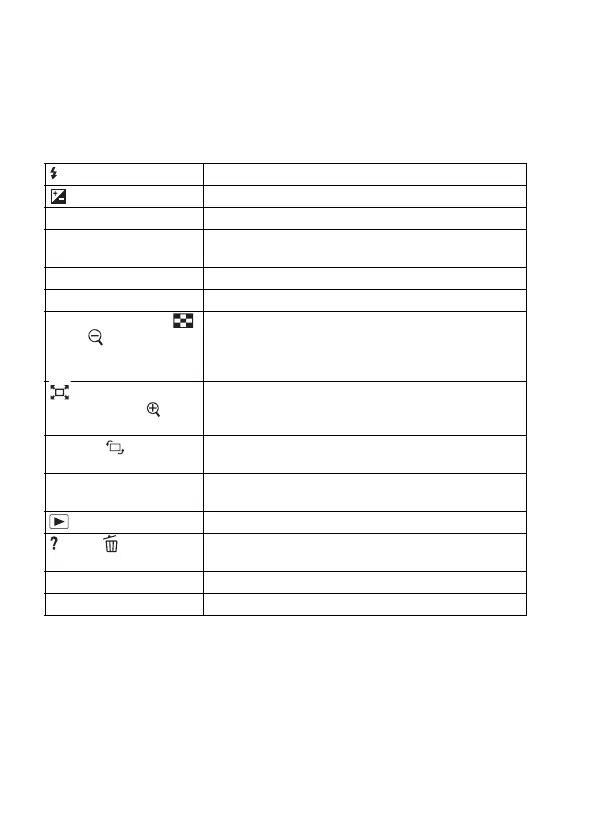
button Pops the flash up.
button Compensates the exposure.
ISO button Adjusts the ISO sensitivity.
FINDER/LCD button Switches the display between the LCD monitor and the
viewfinder.
MENU button Displays the menu screen for setting up the menu item.
MOVIE button Records movies.
AEL button/AV button/
button/ button
Fixes the exposure of the entire screen./Sets up the
aperture value./Displays multiple images on the screen
simultaneously./Scales down an image that has been
scaled up when viewing images.
button/Focus
Magnifier button/
button
Zooms in to the center of an image./Allows you to check
the focus by enlarging the image before shooting./Scales
an image up when viewing images.
Fn button/ button Displays the setup screen of the function that is set using
the Fn button./Rotates images.
Control button Sets up the following functions: Display, White
Balance, Drive mode, Picture Effect, and Autofocus.
button Plays back images.
button/ button Displays a shooting tip or In-Camera Guide./Deletes
images.
Focus mode switch Switches the autofocus and manual focus.
Preview button Checks blurring of the background.



 To Next Page