Related Topic
Front side
Top side
Sides
Bottom
TP1000940045
5-051-980-12(1) Copyright 2023 Sony Corporation
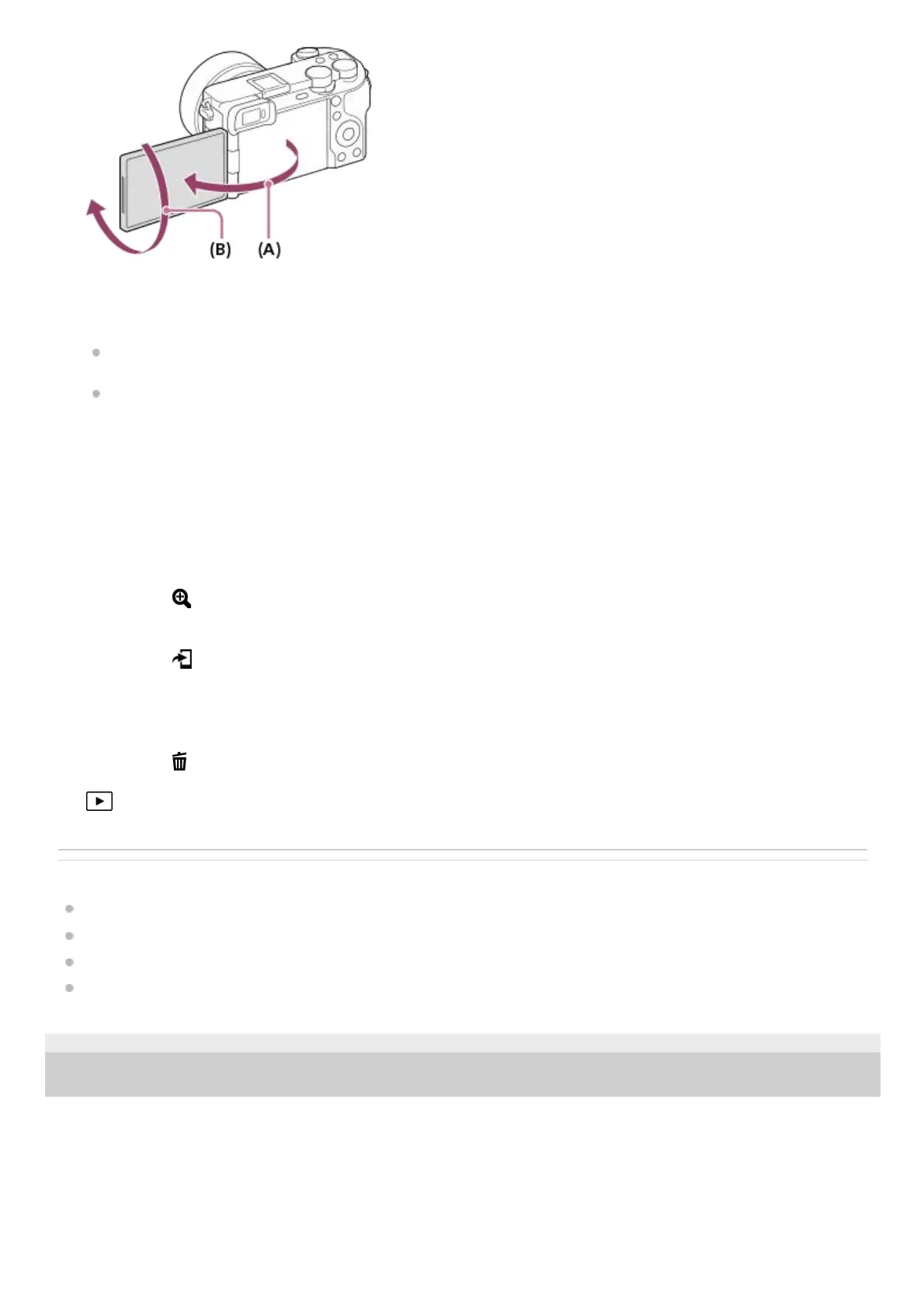
(A): Approx. 176°
(B): Approx. 270°
You may not be able to adjust the monitor angle depending on the type of a tripod you use. In such a case,
release the tripod screw once to adjust the monitor angle.
Do not apply excessive force when opening, closing, or rotating the monitor. Doing so may cause a malfunction.
MENU button6.
Still/Movie/S&Q dial
You can switch the shooting mode.
7.
Mode dial8.
Rear dial
You can quickly adjust the settings for each shooting mode.
9.
For shooting: AF-ON (AF On) button
For viewing:
(Enlarge) button
10.
For shooting: Fn (Function) button
For viewing:
(Send to Smartphone) button
You can display the screen for transferring images to a smartphone by pressing this button.
11.
Control wheel12.
For shooting: C3 button (Custom button 3)
For viewing:
(Delete) button
13.
(Playback) button14.



 To Next Page