25
Getting Started
Rest mode
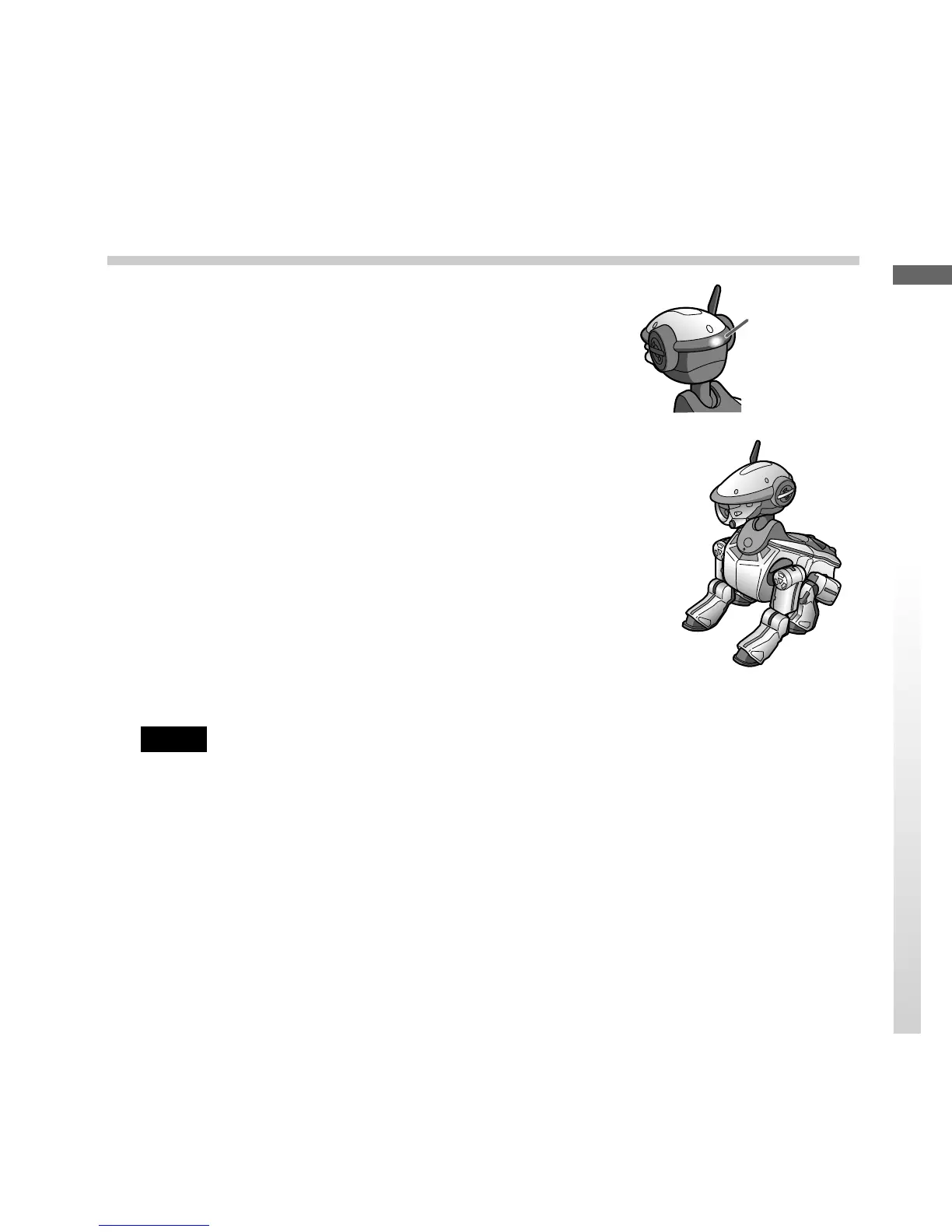
When you do not want AIBO to move, put AIBO into
this mode.
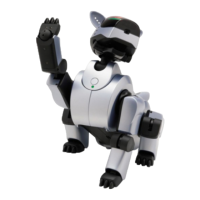
Push the back sensor of AIBO for 3 seconds. AIBO
lies down or sits down, and then carries out
autonomous actions. In Rest mode, AIBO cannot
carry out the following actions:
• Taking a photo
• Learning a name
• Communicating with another AIBO
• Entering Boost mode
• Working as a watchdog.
• Learning an action as instructed.
If you want to use any of the functions above, push
the head sensor in the back direction for 3 seconds to
place AIBO into Autonomous mode.
Notes
• Do not put AIBO on an unstable surface where it might fall or be subject to vibrations.
• Do not place anything near AIBO that may hinder it in its movements.
The mode
indicator
lights up.


 To Next Page