72
Viewing pictures taken by AIBO
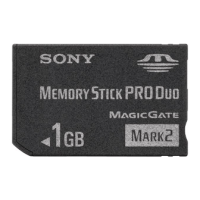
Pictures AIBO shot are stored in the “Memory Stick” of AIBO. To see them, one of
the following devices is required for copying the data stored on the “Memory
Stick” to your personal computer (PC):
x PC equipped with a slot for a “Memory Stick.”
x PC equipped with an external “Memory Stick” adaptor drive.
x PC equipped with a PC card adapter for a “Memory Stick” and a PC card
slot or PC card adaptor drive.
1
Remove the “Memory Stick” from AIBO.
Refer to the “AIBO” ERS-210/220 Operating Instructions for how to remove a
“Memory Stick.”
2
Insert the removed “Memory Stick” into your PC.
Refer to the Operating Instructions supplied with each product required to view
pictures for details.



 To Next Page