70
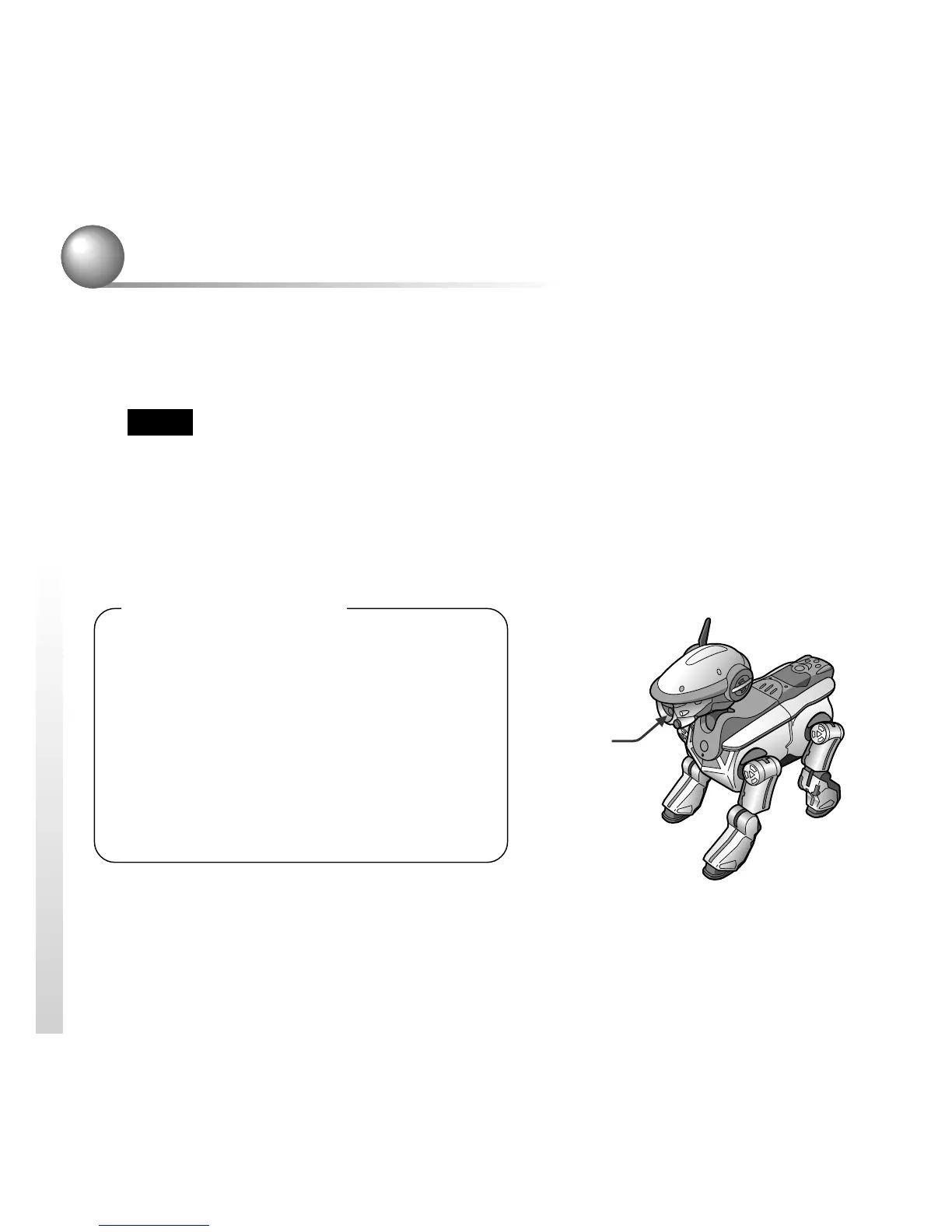
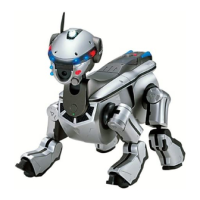
Having AIBO take a photo
When you say, “Take a picture” to an AIBO, that is in Autonomous mode or
Station mode, AIBO starts a countdown, then snaps a picture for you. AIBO can
store up to seven pictures.
Notes
• AIBO can store only seven pictures. If you shoot more than seven, each new picture
will replace the oldest picture in the memory of AIBO.
• Note that using AIBO to take pictures may infringe the image right of third parties.
Sony can assume no responsibility in such cases. We request that you avoid taking
pictures that cause inconvenience to other people or infringe their rights.
About the pictures
• Pictures are stored into the “Memory
Stick” in the JPEG format.
• The picture resolution is approximately
180 x 140 pixels.
• Flicker (horizontal stripes) or reddish or
bluish bands may appear in the pictures
due to the illumination at the time.
• Fast movements may appear distorted in
the picture.
Color
camera


 To Next Page