71
Playing with AIBO
Taking a picture
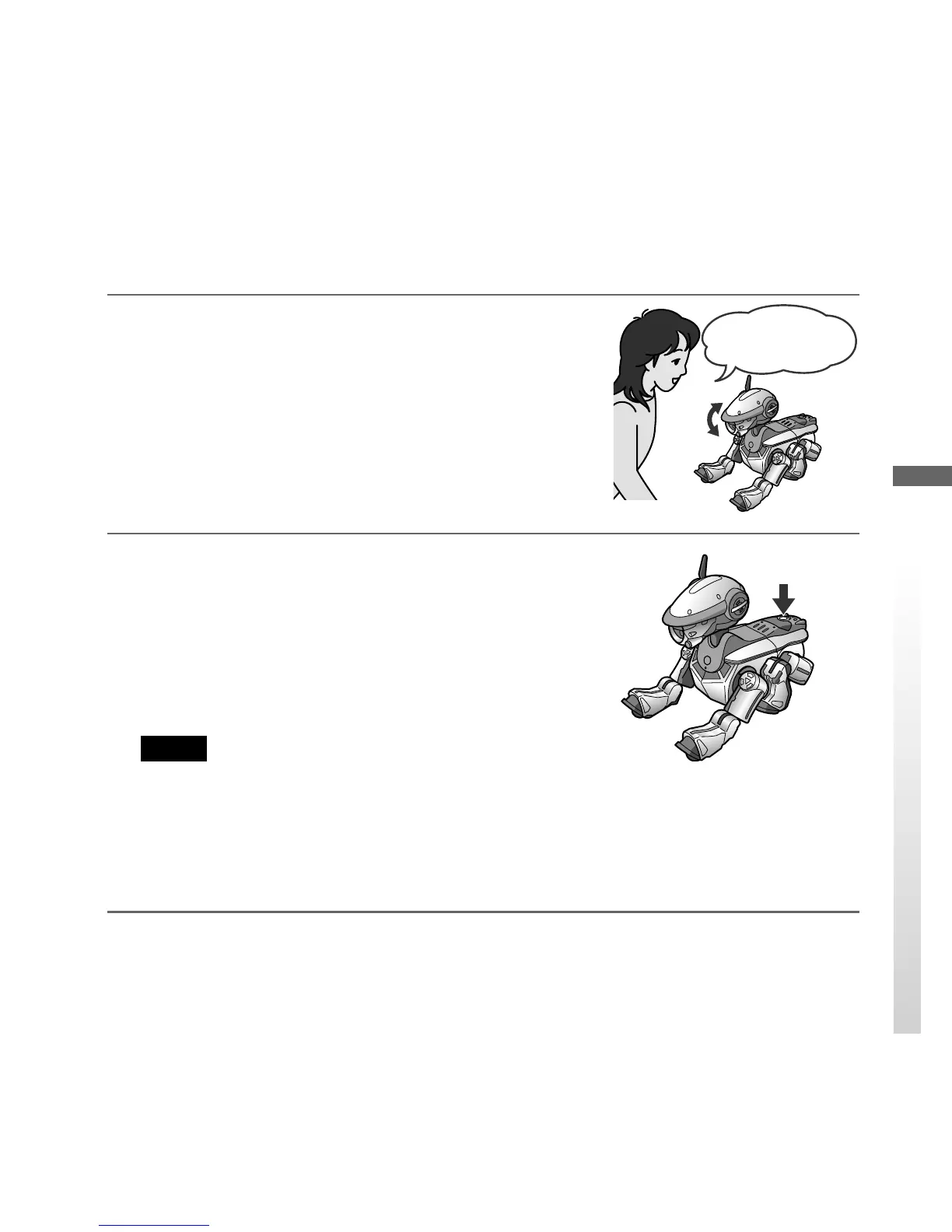
1
When AIBO is in Autonomous or Station
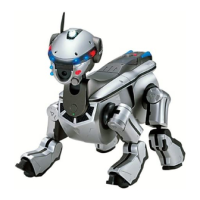
mode, tell AIBO “Take a picture.”
AIBO nods to your request, and its tail lights (right
and left) flash blue.
2
Push the back sensor of AIBO.
The tail light of AIBO lights up blue, and the face
side lights and back multi-indicators all light up.
AIBO starts a countdown.
Then the tail light lights up red, and AIBO takes a
picture with clicking the shutter.
Notes
• If you do not push the back sensor of AIBO within
10 seconds after AIBO nods, AIBO cancels the
picture taking with a sad gesture.
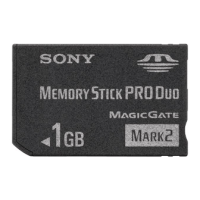
• When you set the safety switch of the “Memory Stick” to “LOCK,” AIBO cannot
store any picture.
Take a picture.


 To Next Page