GB
2
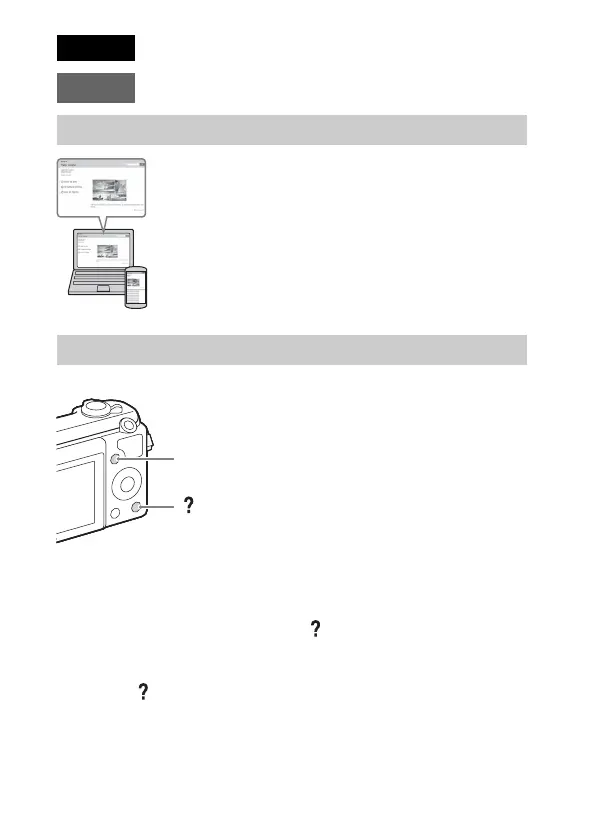
This camera is equipped with a built-in instruction guide.
In-Camera Guide
The camera displays explanations for MENU items and the setting values.
1 Press the MENU button.
2 Select the desired item, then press the (In-Camera Guide) button.
Shooting Tip
The camera displays shooting tips for the shooting mode selected.
1 Press the (In-Camera Guide) button in shooting mode.
2 Select the desired shooting tip, then press z on the control wheel.
The shooting tip is displayed.
• You can scroll the screen using v/V and change shooting tips using b/B.
English
E-mount
Learning more about the camera (“Help Guide”)
“Help Guide” is an on-line manual. Refer to it for in-depth
instructions on the many functions of the camera.
1 Access the Sony support page.
http://www.sony.net/SonyInfo/Support/
2 Select your country or region.
3 Search for the model name of your camera on the support
page.
• Check the model name on the bottom of your camera.
Viewing the Guide
(In-Camera Guide)
MENU



 To Next Page