Interchangeable Lens Digital Camera
ILCE-7/ILCE-7R
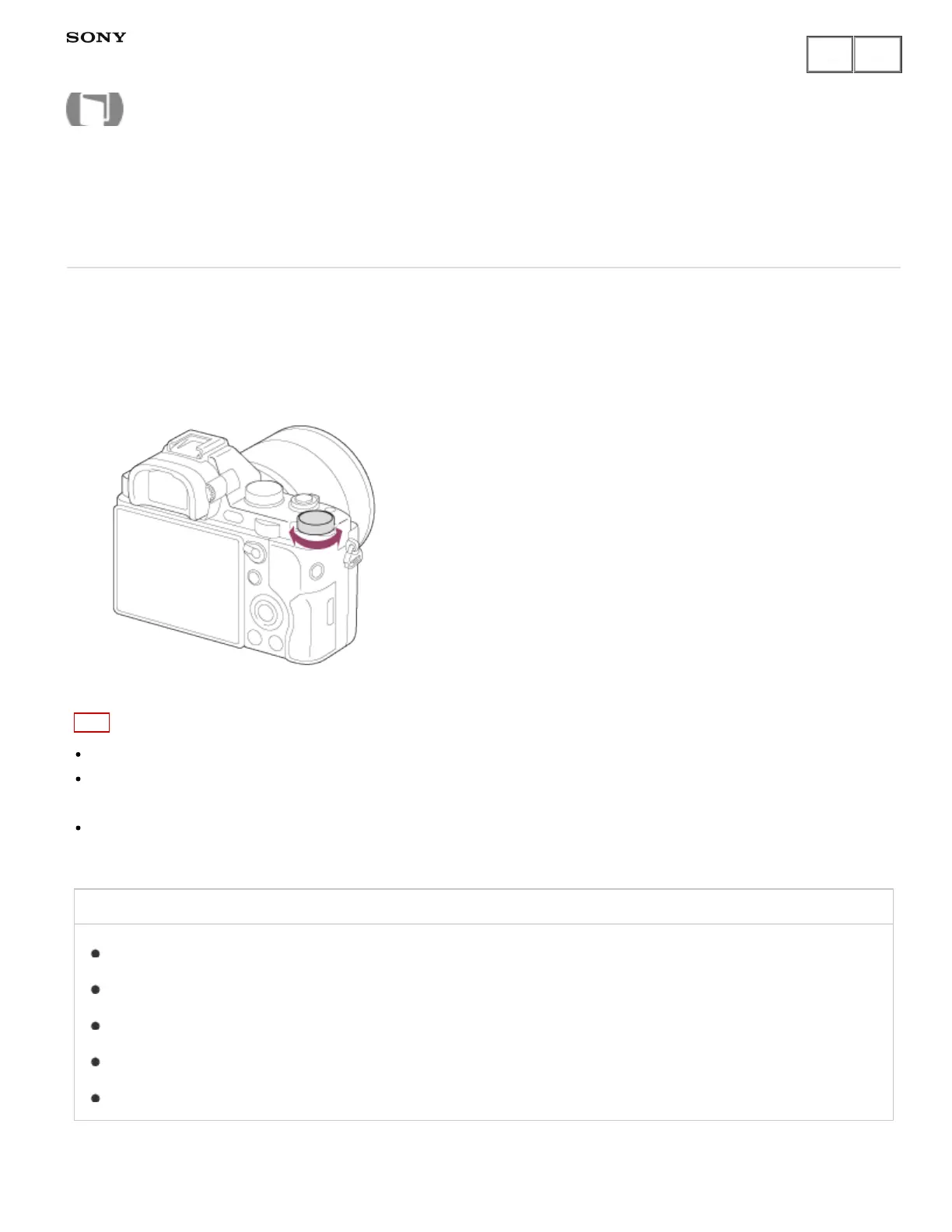
Exposure compensation dial
Based on the exposure value set by auto exposure, you can make the entire image brighter or darker if you
adjust [Exposure Comp.] to the plus side or minus side, respectively (exposure compensation). Normally,
exposure is set automatically (auto exposure).
1. Turn the exposure compensation dial.
Note
You can adjust the exposure in a range of −2.0 EV to +2.0 EV for movies.
If you shoot a subject in extremely bright or dark conditions, or when you use the flash, you may not be able
to get a satisfactory effect.
When you use [Manual Exposure], you can compensate for the exposure only when [ISO] is set to [ISO
AUTO].
Related Topic
Exposure Comp.
Exposure step
Dial Ev Comp
Exp.comp.set
Reset EV Comp.
Notes on use
Help Guide
How to Use



 To Next Page