Interchangeable Lens Digital Camera
ILCE-7/ILCE-7R
Picture Effect
Select the desired effect filter to achieve more impressive and artistic images.
1. MENU → (Camera Settings) → [Picture Effect] → desired setting.
Menu item details
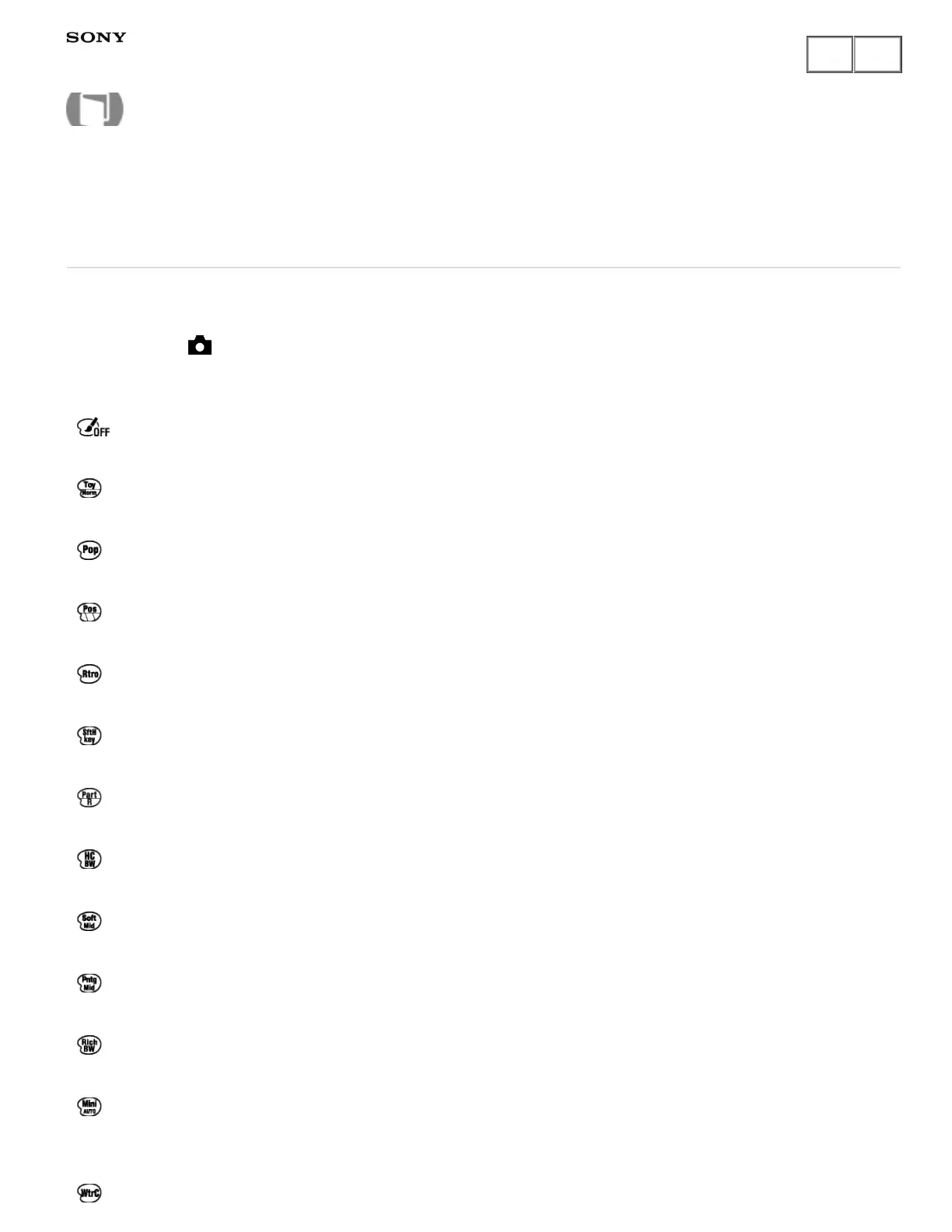
Off (default setting):
Disables the [Picture Effect] function.
Toy Camera:
Creates the look of a Toy Camera photo with shaded corners and pronounced colors.
Pop Color:
Creates a vivid look by emphasizing color tones.
Posterization:
Creates a high contrast, abstract look by heavily emphasizing primary colors, or in black and white.
Retro Photo:
Creates the look of an aged photo with sepia color tones and faded contrast.
Soft High-key:
Creates an image with the indicated atmosphere: bright, transparent, ethereal, tender, soft.
Partial Color:
Creates an image which retains a specific color, but converts others to black and white.
High Contrast Mono.:
Creates a high-contrast image in black and white.
Soft Focus:
Creates an image filled with a soft lighting effect.
HDR Painting:
Creates the look of a painting, enhancing the colors and details.
Rich-tone Mono.:
Creates an image in black and white with rich gradation and reproduction of details.
Miniature:
Creates an image which enhances the subject vividly, with the background defocused considerably. This effect
may often be found in pictures of miniature models.
Watercolor:
Help Guide
How to Use



 To Next Page