GB
19
GB
Selecting a function using the Fn
(Function) button
This button is used for setting up or executing functions used frequently in
shooting, except for functions from the Quick Navi screen.
1 Press the DISP button to set the screen mode to other than [For
viewfinder].
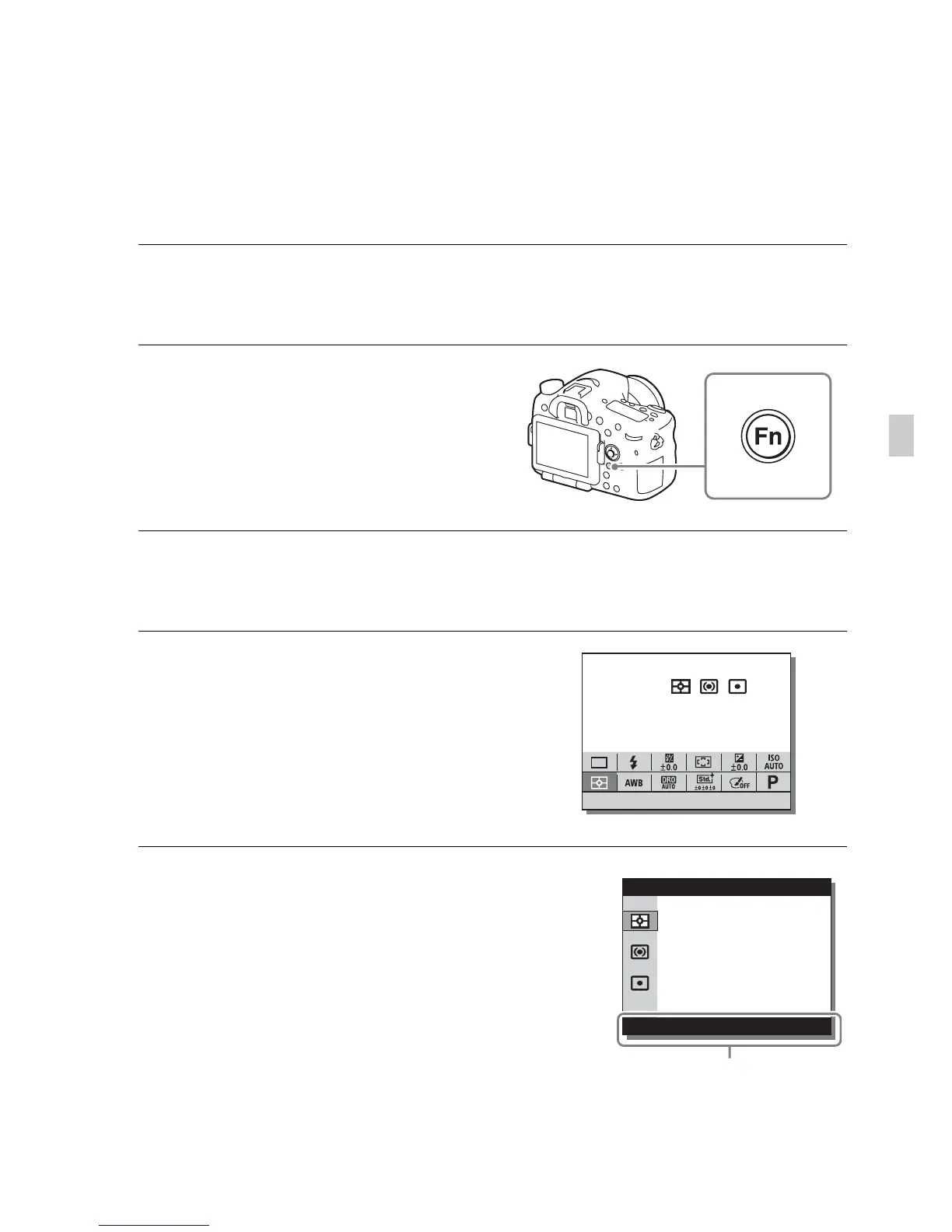
2 Press the Fn button.
3 Select the desired item using v/V/b/B on the multi-selector.
The setting screen appears.
4 Select the desired setting by
turning the front dial, then press
z on the multi-selector.
• Some setting values can be finely
adjusted by turning the rear dial.
To set the individual settings in the
dedicated screen
In step 3, select a setting item and press z on
the multi-selector to switch to the dedicated
screen for the setting item. Set the items
according to the Operation guide.
Operation guide











 To Next Page