GB
20
Functions that can be selected using
the MENU button
You can set up the basic settings for the camera as a whole, or execute
functions such as shooting, playback, or other operations.
To display the Tile Menu
Allows you to select whether to always display the first screen of the menu
when you press the MENU button.
MENU t (Setup) 2 t [Tile Menu] t [On]
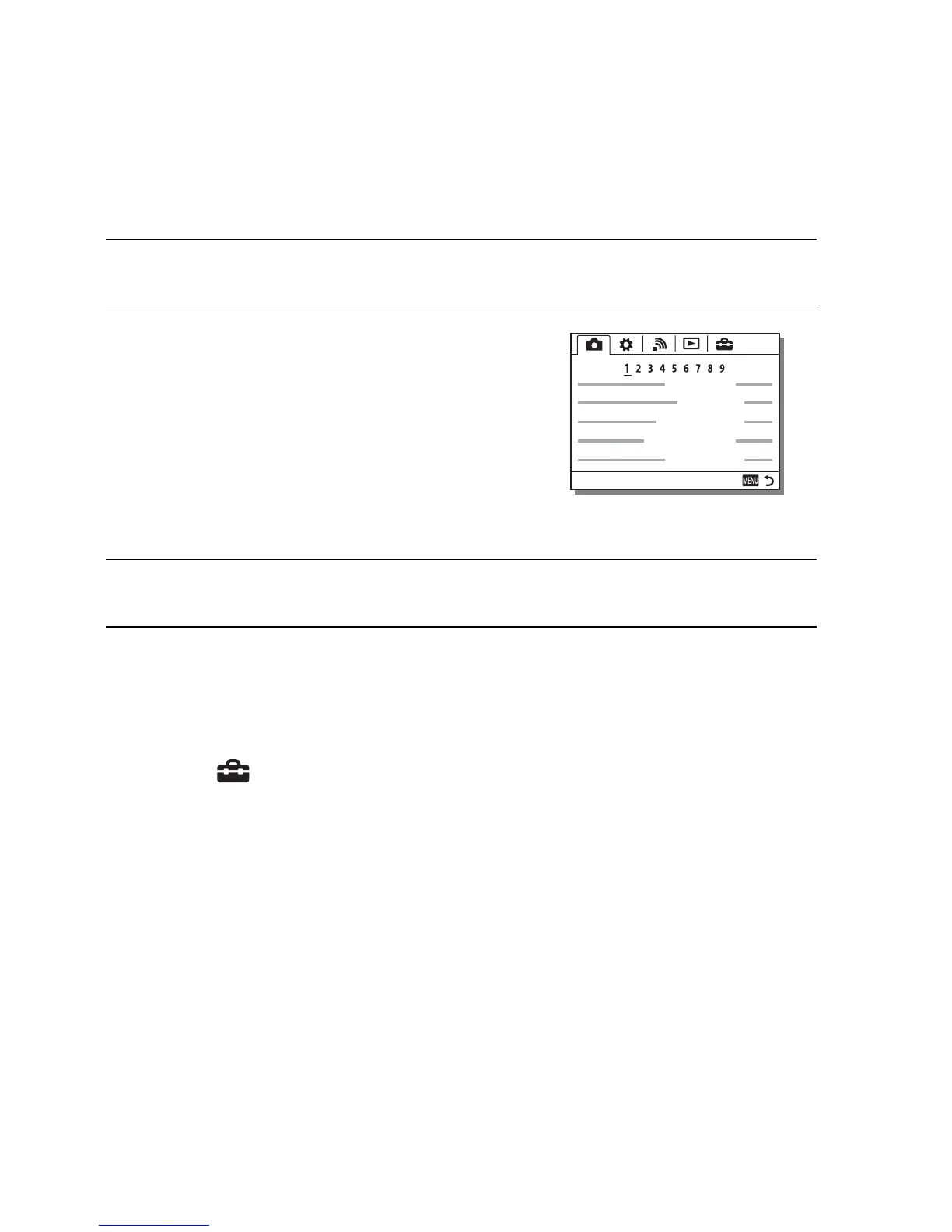
1 Press MENU button to display the menu screen.
2 Select the desired setting item using
v/V/b/B on the multi-selector, and
then press z on the center of the
multi-selector.
• Select an icon at the top of the screen and
press the b/B on the multi-selector to
move to another MENU item.
3 Select the setting value, then press z to confirm.











 To Next Page