Using the Wi-Fi and NFC one-touch functions
GB
37
GB
Connect the camera to your wireless access point. Before starting the
procedure, make sure you have the SSID (name of the access point) and
password of your wireless access point with you.
Notes
• If a connection is not established, see the wireless access point operating instructions
or contact the administrator of the access point.
• To save images to a computer, install the following dedicated software on your
computer.
When using Windows: PlayMemories Home
www.sony.net/pm/
When using Mac: Wireless Auto Import
http://www.sony.co.jp/imsoft/Mac/
Connecting the camera to a wireless access point
1 MENU button t (Wireless) 2 t [Access Point Set.].
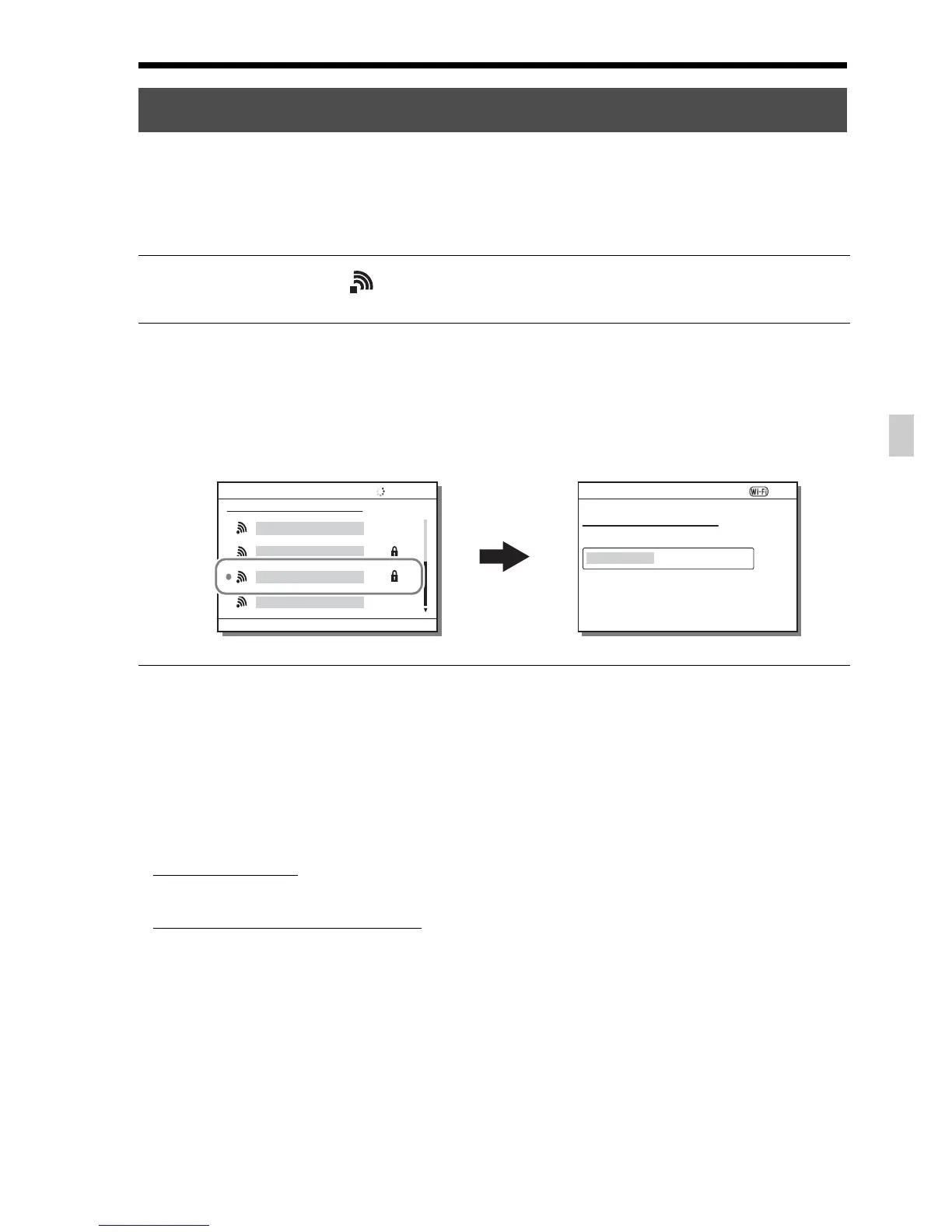
2 Use v/V on the multi-selector to select the access point you
want to connect to. Press z in the center of the multi-selector
and enter the password if a key icon is displayed with a
wireless access point, then select [OK].











 To Next Page