GB
40
Adjusting the brightness of still images
(Exposure compensation)
You can adjust the exposure in 1/3 EV steps in a range of –3.0 EV to +3.0 EV.
Using the self-timer
1
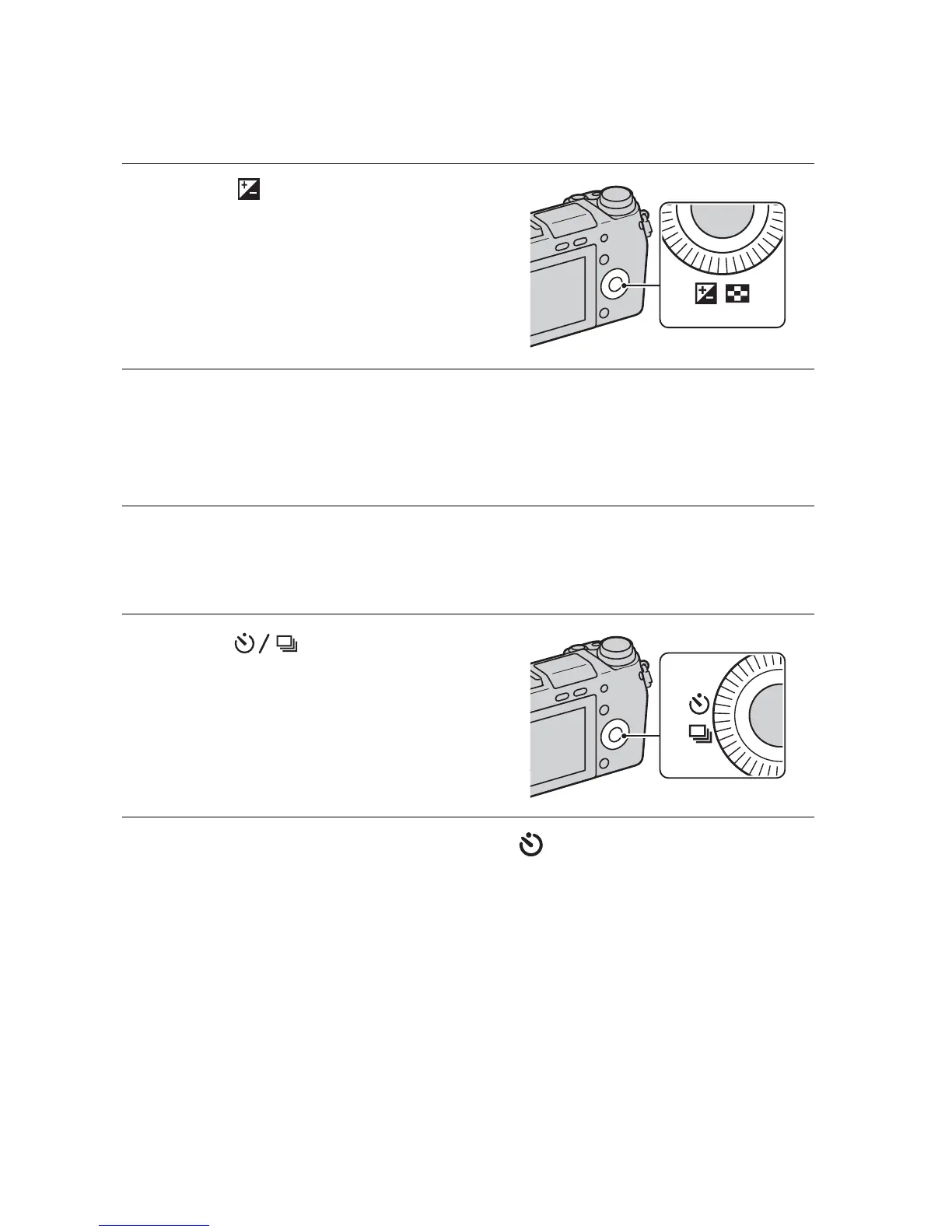
Press (Exposure Comp.)
on the control wheel.
2
Turn the control wheel or the control dial to select the
desired value, and press the center.
• When the image is too bright, set [Exposure Comp.] toward –.
• When the image is too dark, set [Exposure Comp.] toward +.
1
Press (Drive Mode) on
the control wheel.
2
Turn the control wheel to select (Self-timer).


 To Next Page