138
Zooming in in one step
You can zoom in to the center of an image using the smart teleconverter
(Digital zoom) and record the image.
The image size is automatically set to the following regardless of the
selected image size.
Notes
• The smart teleconverter is unavailable
– When the exposure mode is set to Sweep Panorama or 3D Sweep Panorama.
– When [Smart Telecon. Button] is set to [Focus Magnifier].
– [Quality] is set to [RAW] or [RAW & JPEG].
– The Smile Shutter function is set to [On].
• When the smart teleconverter is available (when in autofocus mode), [AF area] is set
to [Spot].
• When the smart teleconverter is available, [Metering mode] is set to [Multi
segment].
• You cannot use the smart teleconverter function with movies.
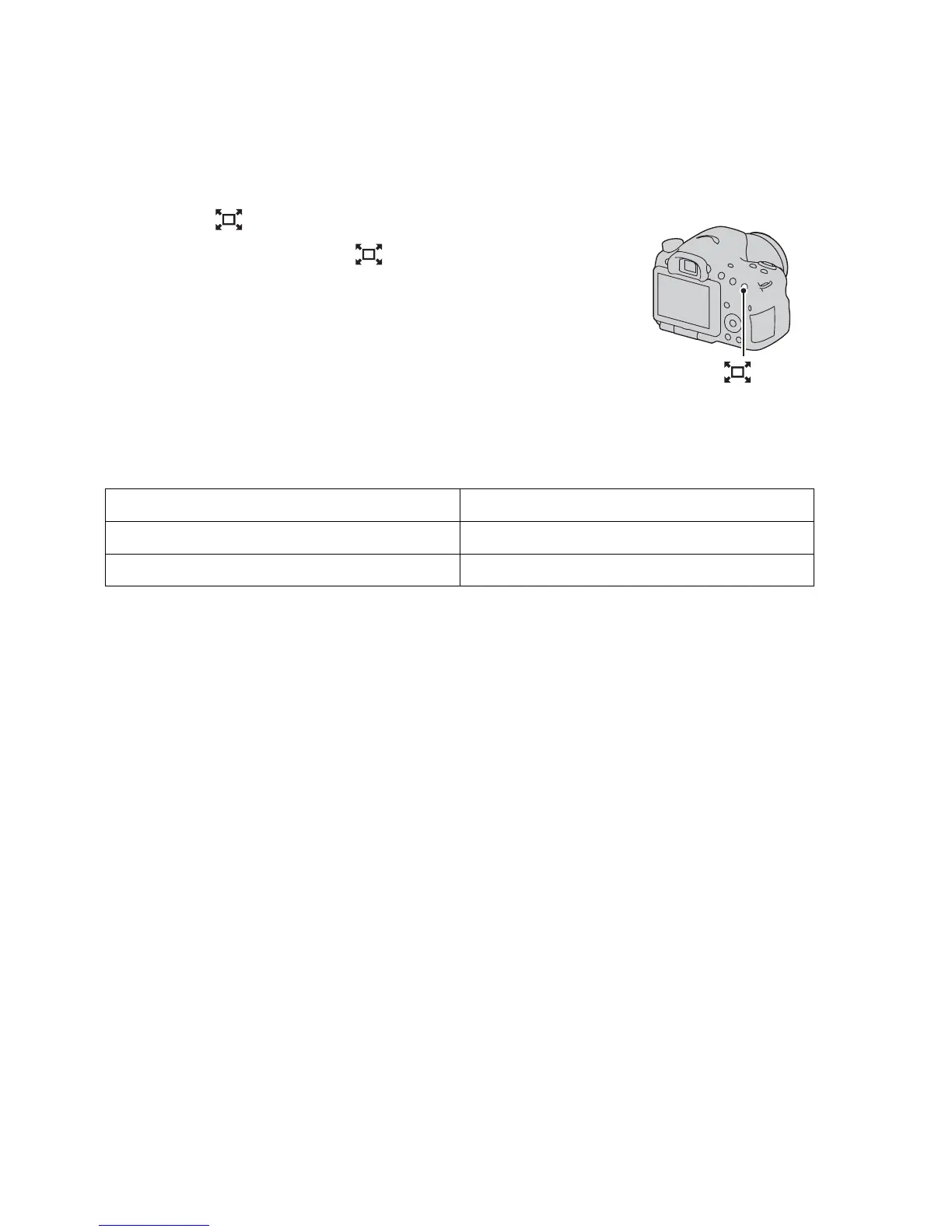
Press the button.
• Each time you press the button, the
zoom scaling changes as follows:
Approx. ×1.4 t Approx. ×2 t Off
button
Zoom scaling Image size
Approx. ×1.4 M
Approx. ×2 S














 To Next Page