184
Cleaning the image sensor
If dust or debris enters the camera and adheres to the image sensor (the part
that acts as the film), it may appear as dark spots on the photo image,
depending on the shooting environment. If there is dust on the image
sensor, clean the image sensor following the steps below.
Notes
• Cleaning cannot be performed when the battery level is 50% or less.
• The camera starts beeping if the battery pack becomes low during cleaning. Stop
cleaning immediately and turn the camera off. The use of an AC-PW10AM AC
Adaptor (sold separately) is recommended.
• The cleaning should be completed quickly.
• Do not use a spray blower because it may scatter water droplets inside the camera
body.
Cleaning the image sensor automatically using the
cleaning mode of the camera
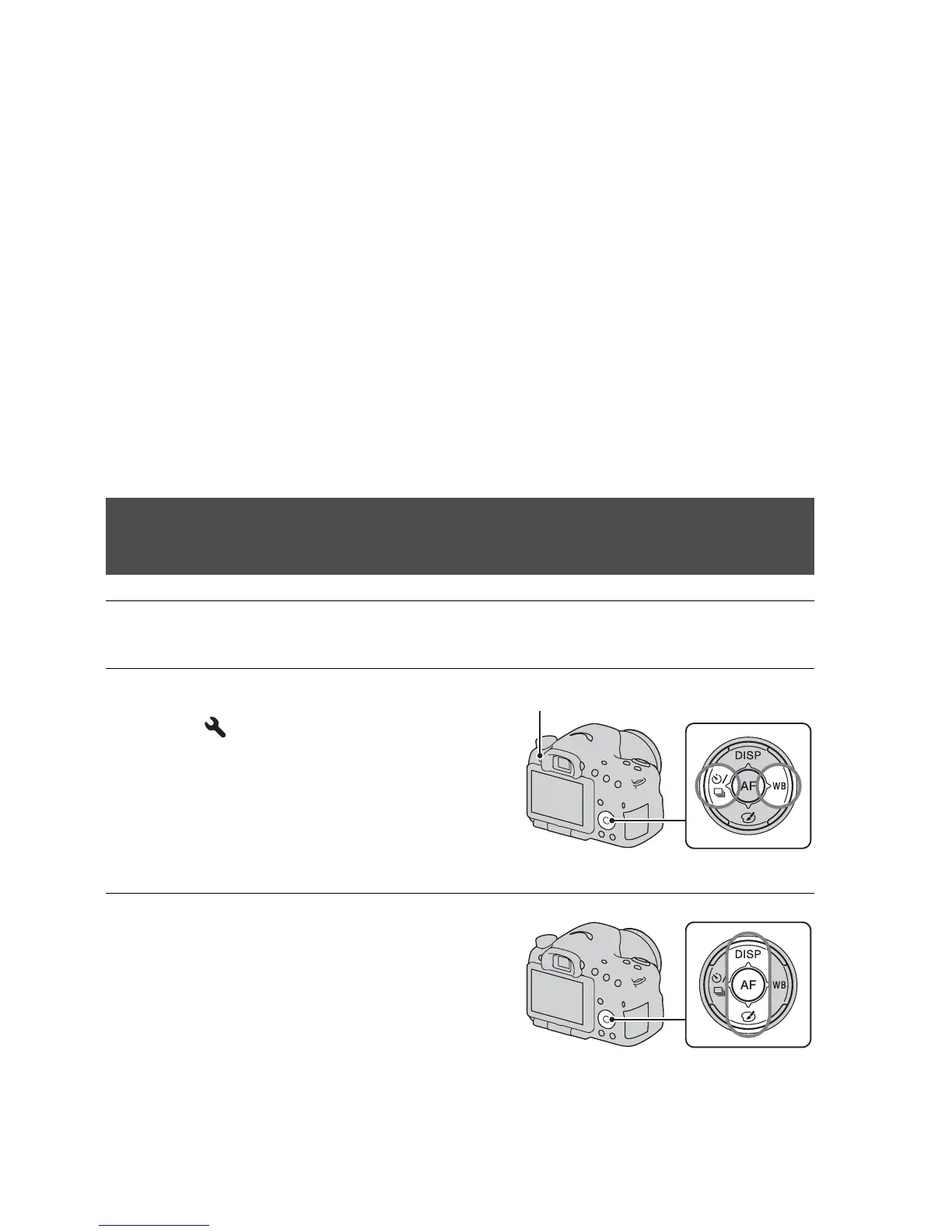
1 Confirm that the battery is fully charged (page 23).
2 Press the MENU button, then
select 2 with b/B on the
control button.
MENU button
3 Select [Cleaning Mode] with v/V,
then press the center of the
control button.














 To Next Page