76
GB
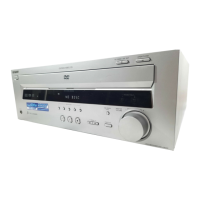
The receiver does not operate
properly.
, If static electricity, etc., causes the receiver to
operate abnormally, press POWER on the
receiver to turn the receiver off and then on
again.
Nothing is displayed on the front
panel display.
, Press DIMMER on the remote.
A 5-character service number is
displayed on the screen and on the
front panel display.
, The self-diagnosis function was activated.
(See the table on page 77.)
The disc tray does not open and
“LOCKED” appears on the front panel
display.
, Contact your Sony dealer or local authorized
Sony service facility.
“PROTECT” appears on the front
panel display.
, The speaker protection circuit is in function.
Check the speaker connections.



 To Next Page