Hookups and Settings
21
Step 3: Easy Setup
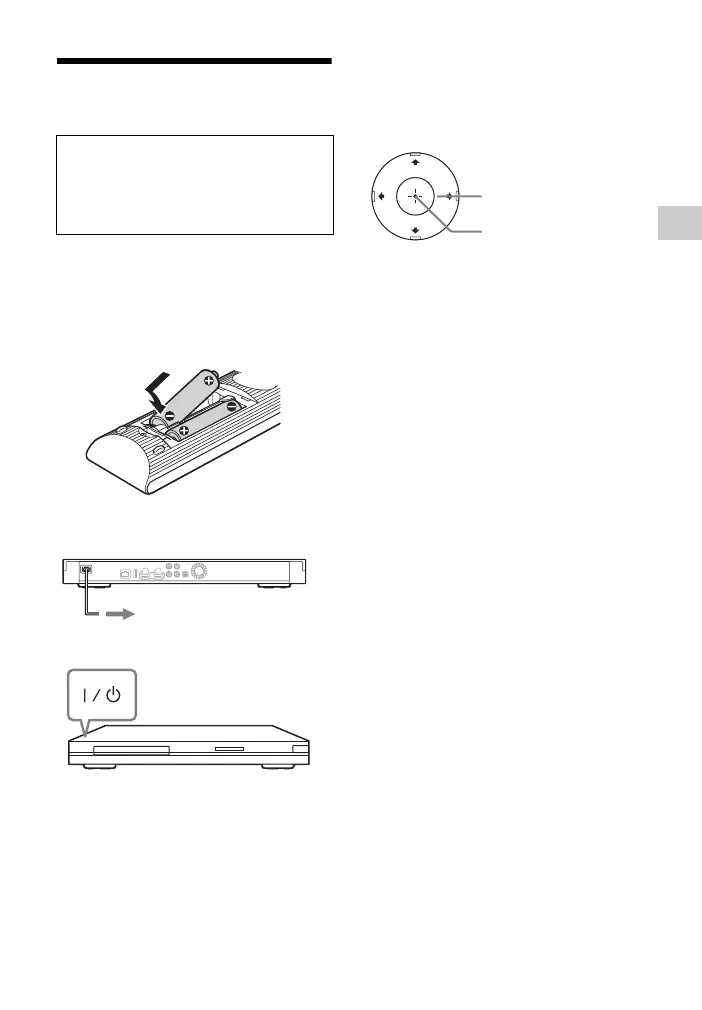
1 Insert two R6 (Size AA) batteries
by matching the 3 and # ends on
the batteries to the markings
inside the battery compartment.
2 Plug the player into the mains.
3 Press [/1 to turn on the player.
4 Turn on the TV, then switch the
input selector on your TV so that
the signal from the player appears
on your TV screen.
5 Perform [Easy Setup].
Follow the on-screen instructions to
make the basic settings using </M/
m/, and ENTER on the remote.
When turned on for the first time
Wait for a short while before the
player turns on and starts [Easy
Setup].
to AC outlet
ENTER
</M/m/,



 To Next Page