24
Playing via a Network
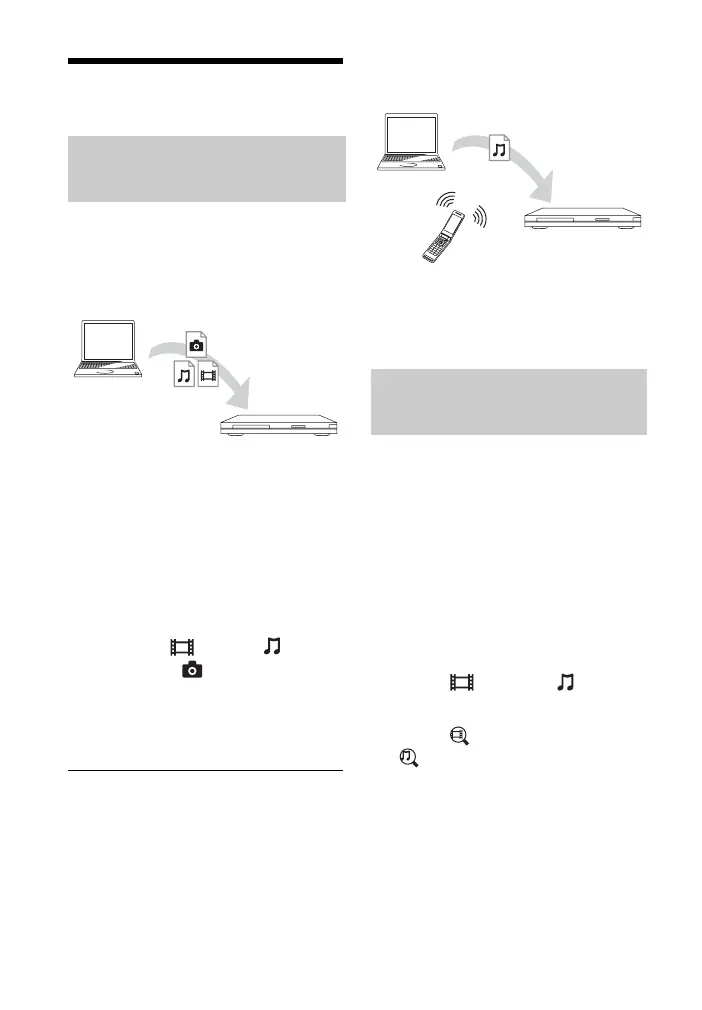
The player (Home Network Player) can
play video/music/photo files stored on
another Home Network-compatible
product (Home Network Server) via a
network.
1 Prepare for using Home Network.
• Connect the player to a network
(page 20).
• Prepare the other necessary Home
Network-compatible products.
Refer to the instruction manual
supplied with the product.
2 Select the Home Network Server
icon from [Video],
[Music], or [Photo] on the
home menu.
3 Select the file you want to play
using M/m, and press ENTER.
To control the player using another
product (Renderer)
When you play files from a Home
Network Server on the player, you can
use a Home Network Controller-
compatible product (a phone, etc.) to
control playback.
z
Refer to the instruction manual supplied with
the Home Network Controller.
You can acquire content information
based on Gracenote technology and
search for the related information.
1 Connect the player to a network
(page 20).
2 Insert a disc you want to search.
• Video: For a BD-ROM or DVD-
ROM only
• Music: For a CD-DA only
3 Select [Video] or [Music]
using </,.
4 Select [Video Search] or
[Music Search] using M/m,
and press ENTER.
The content information is
displayed.
• Content details
Displays a list of related
information, such as title, cast,
track, or artist.
• Playback History
Displays a title in playback history
Playing files on a Home
Network
Server
Player
Searching for the video/
music information
Server
Controller
Renderer



 To Next Page