26
[Music] only
[Photo] only
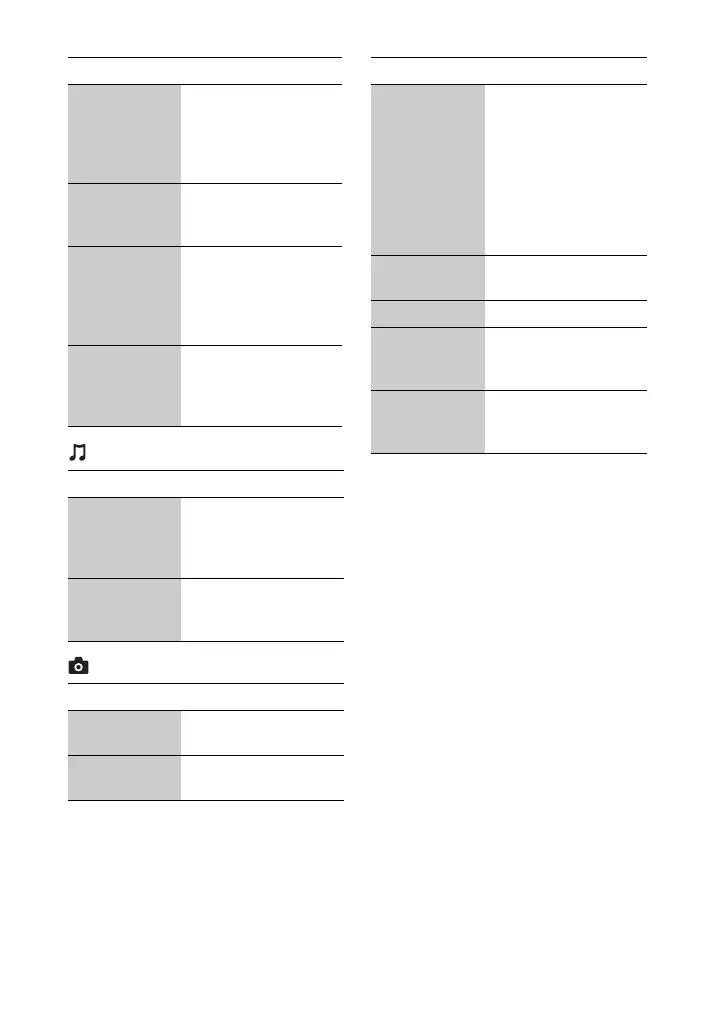
Title Search Searches for a title on
BD-ROMs/DVD
VIDEOs and starts
playback from the
beginning.
Chapter
Search
Searches for a chapter
and starts playback
from the beginning.
Angle Switches to other
viewing angles when
multi-angles are
recorded on BD-
ROMs/DVD VIDEOs.
Video Search Displays information
on the BD-ROM/DVD-
ROM based on
Gracenote technology.
Item Details
Add
Slideshow
BGM
Registers music files in
the USB memory as
slideshow background
music (BGM).
Music Search Displays information
on the CD-DA based on
Gracenote technology.
Item Details
Slideshow
Speed
Changes the slideshow
speed.
Slideshow
Effect
Sets the effect for
slideshows.
Item Details
Slideshow
BGM
• Off: Turns off the
function.
• My Music from USB:
Sets the music files
registered in [Add
Slideshow BGM].
• Play from Music CD:
Sets the tracks in CD-
DAs.
Switch Display Switches between [Grid
View] and [List View].
Slideshow Plays a slideshow.
Rotate Left Rotates the photo
counterclockwise by
90 degrees.
Rotate Right Rotates the photo
clockwise by 90
degrees.
Item Details



 To Next Page