6
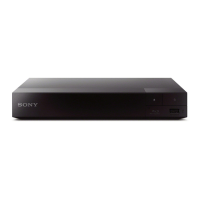
Guide to Parts and Controls
z
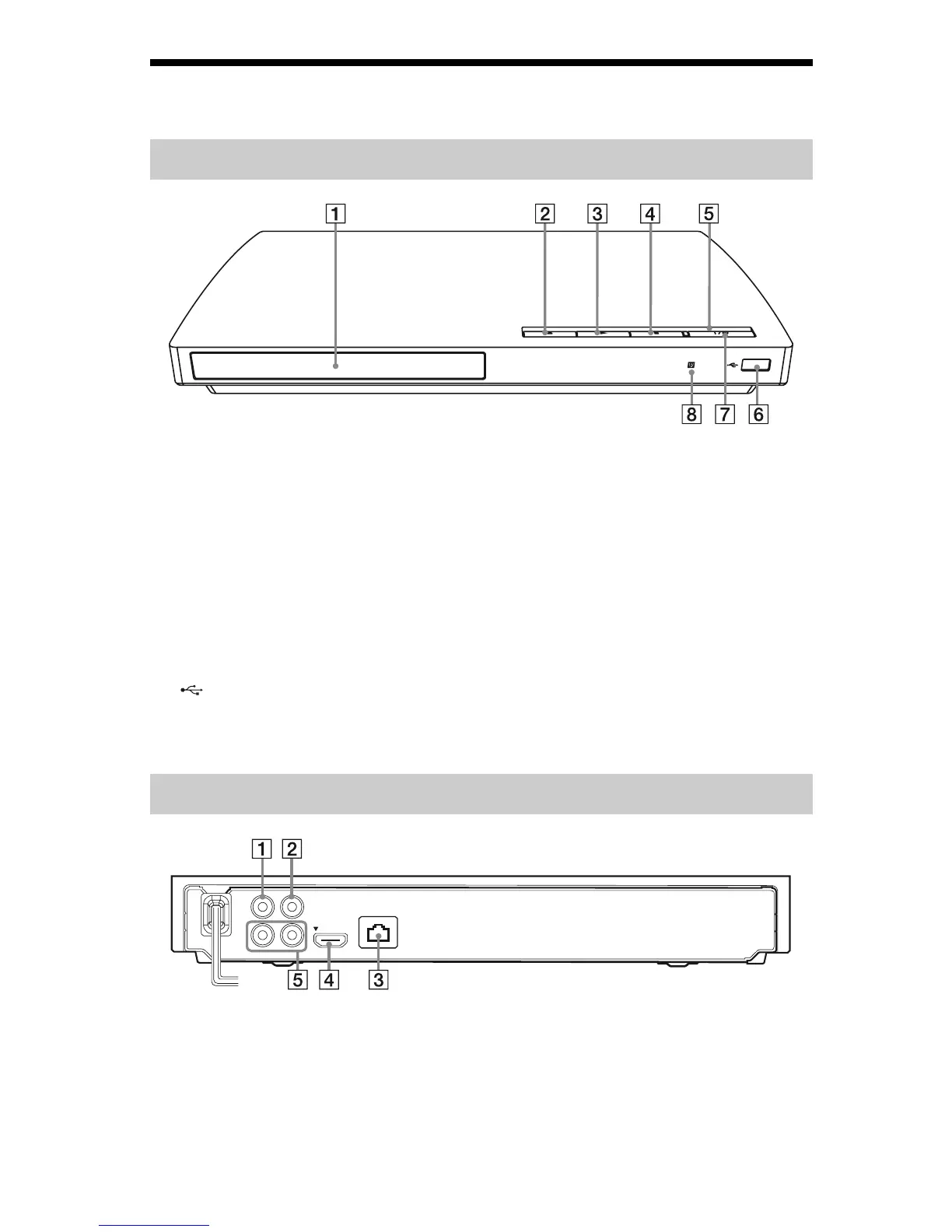
The N button has a tactile dot. Use the tactile dot as a reference when operating the player.
A Disc tray
B Z (open/close)
C N (play)
D x (stop)
E Power indicator
Lights up when the player is turned on.
F (USB) jack
Connect a USB device to this jack.
G [/1 (on/standby)
Turns on the player, or sets to standby
mode.
H Remote sensor
To lock the disc tray (Child Lock)
You can lock the disc tray to avoid accidental
opening of the tray.
While the player is turned on, hold down the
N button on the player for more than 10
seconds to lock or unlock the tray.
A LINE OUT (VIDEO) jack
B DIGITAL OUT (COAXIAL) jack
C LAN (100) terminal
D HDMI OUT jack
E LINE OUT (R-AUDIO-L) jacks
Front panel
Rear panel
LINE OUT
HDMI OUT
LAN(100)
AUDIO
PCM/DTS/
DOLBY DIGITAL
VIDEO
COAXIAL
R
L
DIGITAL OUT



 To Next Page