Factory Initialize
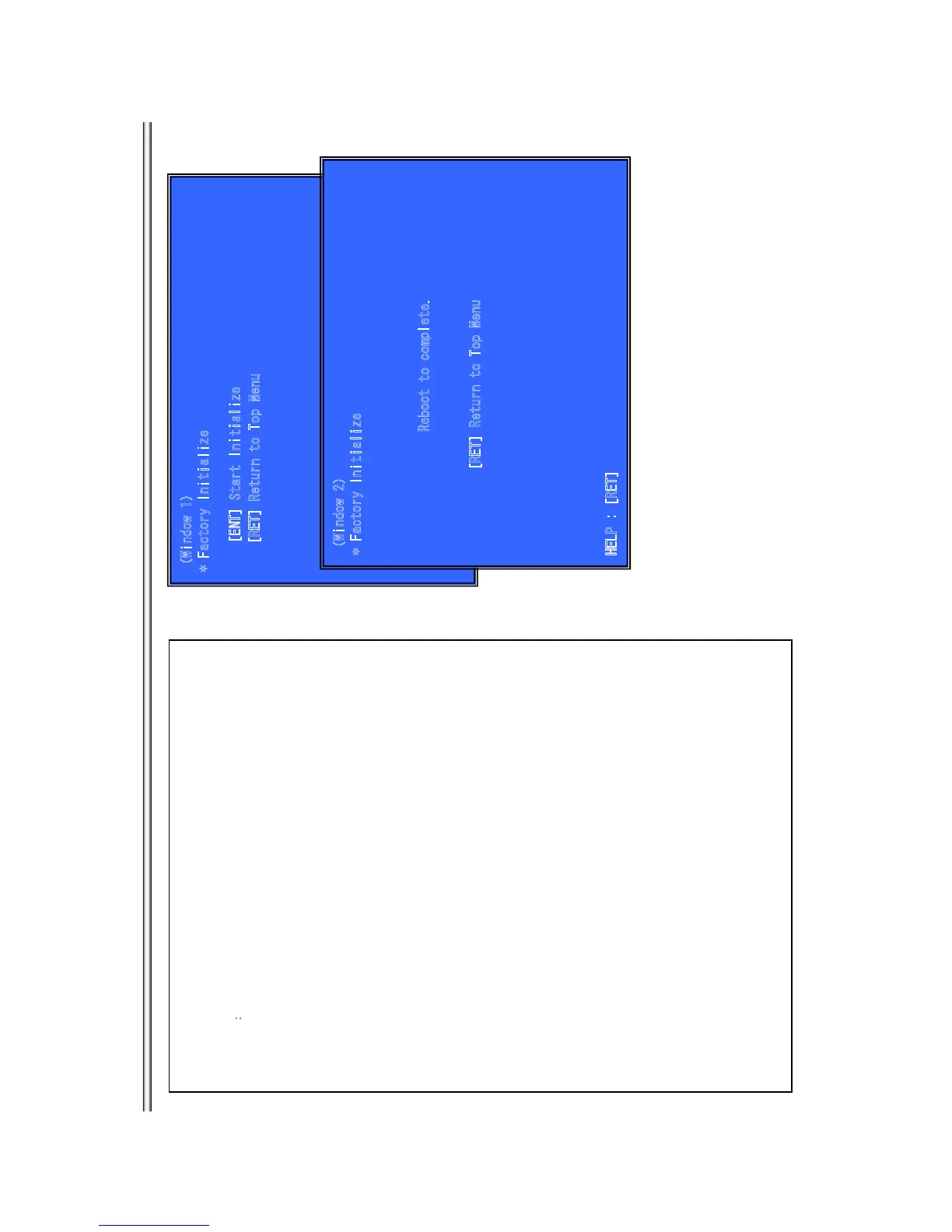
ÔWindow 1Õ
* Factory Initialize
[R
ET] R
eturn t
o
To
p M
enu
Outline:
Return all of the player setting to their factory defaults.
(Window 1) select initialize.
Operationæ
When you return a set to the factory defaults, push [1] on this screen.
[ENT] Start Factory Initialize
[RET] Return to Service Top Menu.
(Window 2)
It is a screen of the end of initialization.
[RET] Return to Service Top Menu.
Please disconnect AC power supply, and connect AC again.
- The operation of other service mode menu can be continued.
ÔWindow 2Õ
* Factory
I
nitialize
Re
boot t
o co
m
pl
ete.
[RET] Return to Top Menu
HELP : [RET]
[
E
NT] S
tart In
iti
a
li
ze
BX18/S185/S186
7-9



 To Next Page