If
your AV amplifier (receiver) has a Dolby*1 Digital, Dolby Pro Logic, or DTS*2 decoder and
a digital input jack, you can enjoy Dolby Digital (5.lch), Dolby Pro Logic (4.0ch), or DTS
(5.lch)
surround effects.
•
Coaxial digital cable
(not supplied)
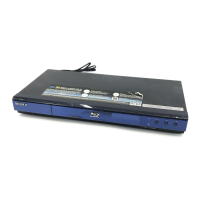
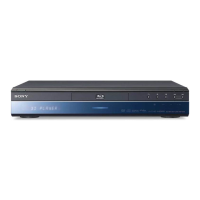
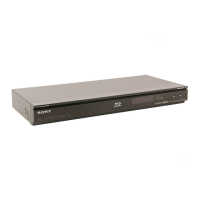
Blu-ray Disc/DVD player
Optical digital cable
(not supplied)
l~
~
'-oj
AV
amplifier (rereiver)
"c:~=-----'l::=-;;;i
c="'>.
:Signal flow
1
Connect
the
digital
jack
of
the
player
and
your
AV
amplifier
(receiver).
2
Set
"Audio
Output
Priority"
to
"Coaxial/Optical"
in
the
"Audio
Settings"
setup
(page
44).
3
Make
the
appropriate
settings
in
"Dolby
Digital"
and
"D1S"
under
the
"Audio
Settings"
setup
(page
45).
Otherwise, no sound or a loud noise will
come from your speakers.
*1
Manufactured under license from Dolby
Laboratories.
Dolby. Pro Logic. and the double-D symbol
are trademarks
of
Dolby Laboratories.
*2 Manufactured under license under U.S. Patent
#'s: 5,451,942; 5,956,674; 5,974.380:
5.978,762; 6,226,616; 6,487,535; 7.392,195;
7,272,567; 7,333,929; 7,112.872 & other U.S.
and worldwide patents issued
& pending. DTS
is a registered trademark and the DTS logos,
Symbol, DTS-HD and DTS-HD Master
Audio
I Essential are trademarks
of
DTS. Inc.
(K)
1996-2008 DTS, Inc. All Rights Reserved.
"continued
21


 To Next Page