7
Insert
a
BD-ROM
with
BONUSVIEWI
BD-L1VE.
The operation method differs depending
on the disc. Refer
to
the instruction
manual supplied with the disc.
To
delete
data
in
the
external
memory
You can delete unnecessary data.
1 If a disc is inserted, remove the disc from
the player.
2 Press HOME.
3 Select "Video" using
~/".
4 Select "BD Data" using
t/",
and press
ENTER.
5 Select the disc name, and press
OPTIONS.
6 Select "Erase," and press ENTER.
7 Select "OK," and press ENTER.
The data
of
the selected disc will be
deleted.
'9'
• To delete an data in the external memory at once,
select "Erase All" in step
6.
• Press ENTER instead
of
OPTIONS
in
step 5 to
skip step
6.
"
• The downloaded contents may not be displayed
depending on the disc, if you delete the Shared
Cache Data.
• Depending on the BD-ROM, the disc name may
not be displayed.
You can search for a chapter
if
the title
contains chapter marks.
1
Press
OPTIONS
during
playback
or
in
pause
mode.
The options menu appears.
2
Select
a
search
method
using
t/.,
and
press
ENTER.
"Title Search" (for BD-ROMsIDVD
VIDEOs)
"Chapter Search"
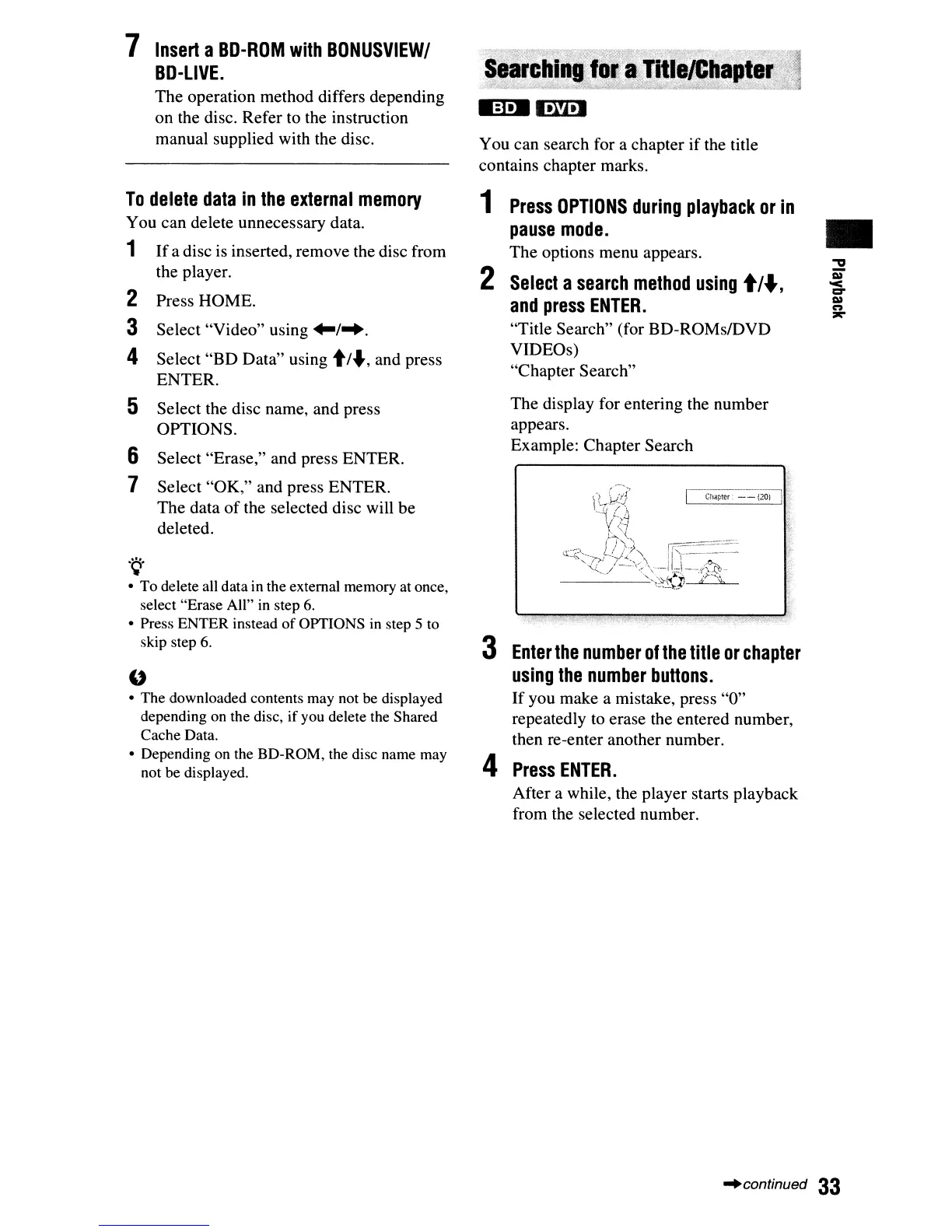
The display for entering the number
appears.
Example: Chapter Search
3
Enter
the
number
of
the
title
or
chapter
using
the
number
buttons.
If you make a mistake, press "0"
repeatedly
to
erase the entered number,
then re-enter another number.
4
Press
ENTER.
After a while, the player starts playback
from the selected number.
•
"continued
33



 To Next Page