4
Press
HOME.
5
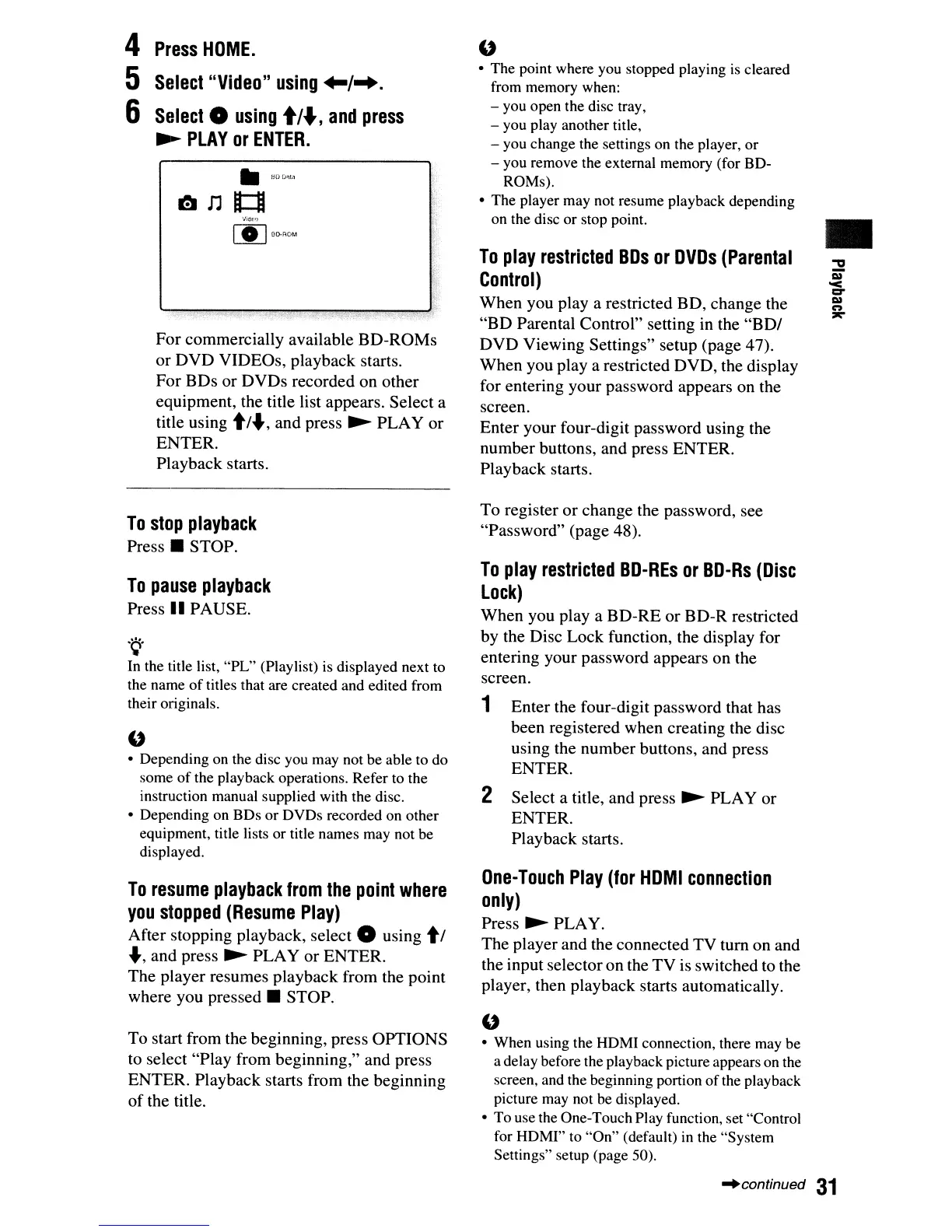
Select
"Video"
using
+-/-..
6
Select
0
using
tl.,
and
press
~
PLAY
or
ENTER.
'J;Ol!'1
[I]
BI)-ROt.1
For commercially available BD-ROMs
or DVD VIDEOs, playback starts.
For BDs or DVDs recorded on other
equipment, the title list appears. Select a
title using
tt
....
,and press
~
PLAY or
ENTER.
Playback starts.
To
stop
playback
Press.
STOP.
To
pause
playback
Press"
PAUSE.
.~.
In the title list, "PL" (Playlist)
is
displayed next to
the name
of
titles that are created and edited from
their originals.
u
• Depending on the disc you may not be able to do
some
of
the playback operations. Refer
to
the
instruction manual supplied with the disc.
• Depending on BDs or DVDs recorded on other
equipment, title lists or title names may not be
displayed.
To
resume
playback
from
the
point
where
you
stopped
(Resume
Play)
After stopping playback, select 0 using
tt
....
, and press
~
PLAY or ENTER.
The player resumes playback from the point
where you
pressed.
STOP.
To start from the beginning, press OPTIONS
to select "Play from beginning," and press
ENTER. Playback starts from the beginning
of
the title.
u
• The point where you stopped playing
is
cleared
from memory when:
- you open the disc tray,
- you play another title,
- you change the settings on the player, or
- you remove the external memory (for BD-
ROMs).
• The player may not resume playback depending
on the disc or stop point.
To
play
restricted
BOs
or
OVOs
(Parental
Control)
When you
playa
restricted BD, change the
"BD Parental Control" setting in the
"BDt
DVD Viewing Settings" setup (page 47).
When you
playa
restricted DVD, the display
for entering your password appears on the
screen.
Enter your four-digit password using the
number buttons, and press ENTER.
Playback starts.
To register or change the password, see
"Password" (page 48).
To
play
restricted
BO-REs
or
BO-Rs
(Disc
Lock)
When you
playa
BD-RE or BD-R restricted
by the Disc Lock function, the display for
entering your password appears on the
screen.
1 Enter the four-digit password that has
been registered when creating the disc
using the number buttons, and press
ENTER.
2 Select a title, and press
~
PLAY or
ENTER.
Playback starts.
One-Touch
Play
(for
HOMI
connection
only)
Press
~
PLAY.
The player and the connected TV tum on and
the input selectoron the TV is switched to the
player, then playback starts automatically.
u
• When using the HDMI connection, there may be
a delay before the playback picture appears on the
screen, and the beginning portion ofthe playback
picture may not be displayed.
• To use the One-Touch Play function, set "Control
for HDMI" to "On" (default) in the "System
Settings" setup (page 50).
•
~continued
31



 To Next Page