"
Depending
on
the
DVD,
"Letter
Box"
may
be
selected automatically instead of "Pan & Scan" or
vice
versa.
Selects the display configuration for
playback
of
16:9 screen pictures
on
a 4:3
screen
TV
(selectable when
"TV
Type"
is set
to
"4:3"
and
"Screen
Format"
is set to
"Fixed
Aspect Ratio").
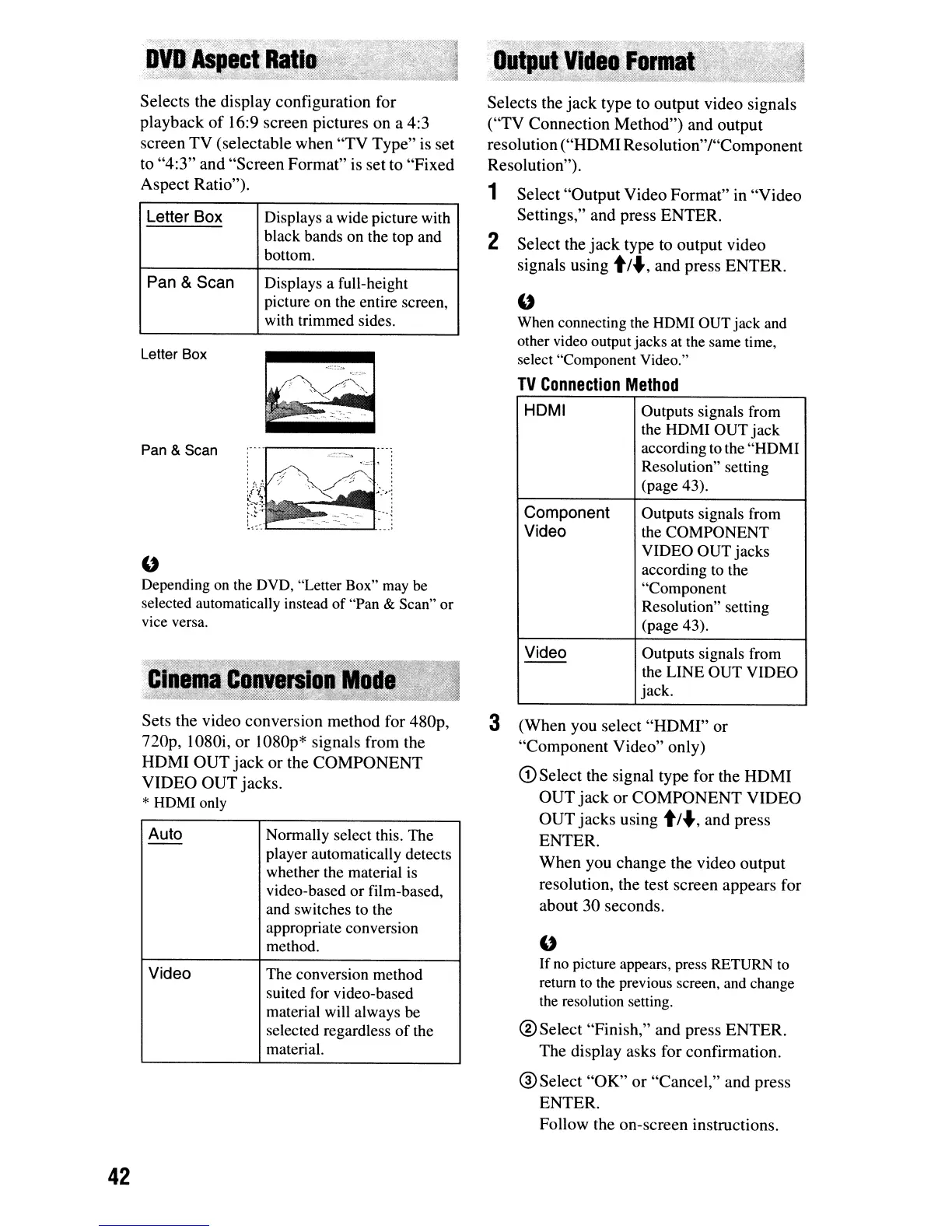
Letter Box Displays a wide picture with
black bands on the top and
bottom.
Pan
&
Scan
Displays a full-height
picture on the entire screen,
with trimmed sides.
HOMI Outputs signals from
the HDMI OUT jack
according to the "HDMI
Resolution" setting
(page 43).
Component
Outputs signals from
Video
the COMPONENT
VIDEO OUT jacks
according to the
"Component
Resolution" setting
(page 43).
Video
Outputs signals from
--
the LINE OUT VIDEO
jack.
"
When
connecting
the
HDMI
OUT jack and
other video output jacks at
the
same time,
select "Component Video."
TV
Connection
Method
Selects the
jack
type to output video signals
("TV
Connection
Method")
and output
resolution
("HDMI
Resolution"/"Component
Resolution").
1
Select
"Output
Video
Format"
in
"Video
Settings," and press
ENTER.
2 Select the
jack
type to output video
signals using
t/
..,and press
ENTER.
:':
..
-:
~-
...
-
1..-
""'----'-
,
Pan & Scan
Letter Box
Sets the video conversion method for 480p,
nop,
1080i,
or
1080p* signals from the
HDMI
OUT
jack
or
the
COMPONENT
VIDEO
OUT
jacks.
*
HDMI
only
Auto
Normally select this. The
--
player automatically detects
whether the material
is
video-based or film-based,
and switches to the
appropriate conversion
method.
Video
The conversion method
suited for video-based
material will always be
selected regardless of the
material.
3
(When
you select
"HDMI"
or
"Component
Video"
only)
CD
Select the signal type for the
HDMI
OUT
jack
or
COMPONENT
VIDEO
OUT
jacks
using
t/
..,and press
ENTER.
When
you change the video output
resolution, the test screen appears for
about
30
seconds.
"
If
no
picture appears, press
RETURN
to
return
to
the
previous screen,
and
change
the
resolution setting.
®Select "Finish," and press
ENTER.
The display asks for confirmation.
@Select
"OK"
or
"Cancel," and press
ENTER.
Follow the on-screen instructions.
42



 To Next Page