30
GB
Getting Started
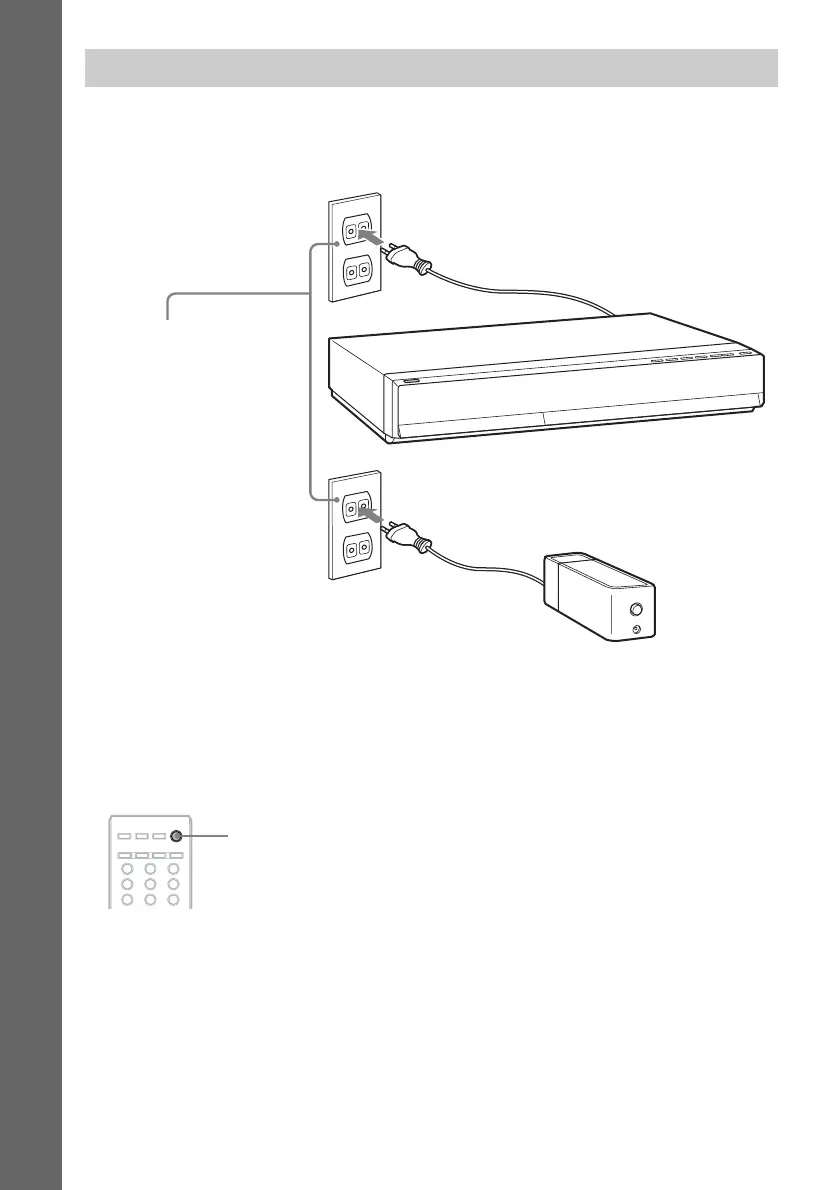
Before connecting the AC power cords (mains leads) of the unit and the surround amplifier to a wall
outlet (mains), connect the front, center speakers and subwoofer to the unit and surround speakers to
the surround amplifier.
To turn off the demonstration mode
After connecting the AC power cord (mains lead), the demonstration appears in the front panel display.
You can turn off the demonstration simply by pressing "/1 on the remote. For details, see “About the
demonstration” (page 75).
To turn the system on/off (standby mode)
Press "/1.
Connecting the AC power cords (mains leads)
Wall outlet (mains): The shape
of the wall outlet (mains) differs
depending on the area.
321
654
987
"/1



 To Next Page