37
GB
Getting Started
Step 6: Enjoying Surround Sound
You can enjoy surround sound simply by selecting one of the system’s pre-programmed decoding
modes. They bring the exciting and powerful sound of movie theaters into your home.
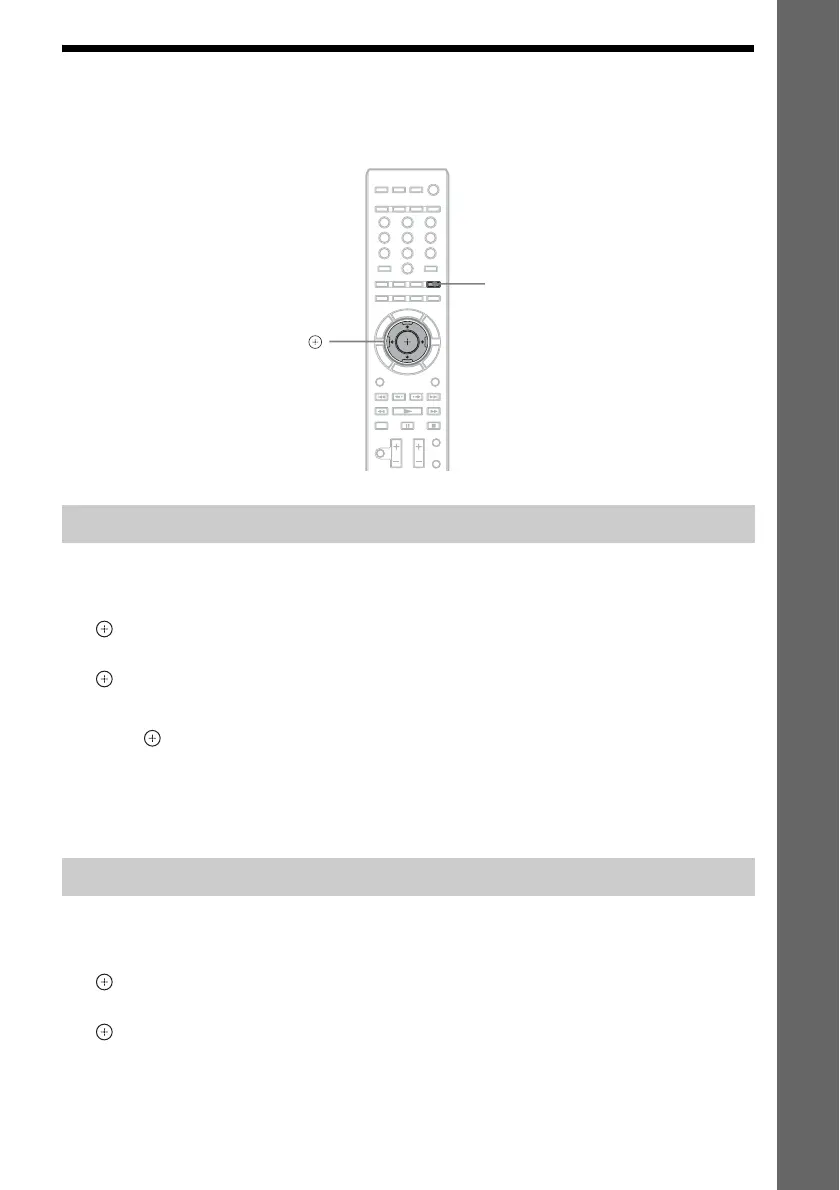
1 Press SYSTEM MENU.
2 Press X/x repeatedly until “AUDIO MENU” appears in the front panel display, then press
or c.
3 Press X/x repeatedly until “DEC. MODE” appears in the front panel display, then press
or c.
4 Press X/x repeatedly until “A.F.D. 7.1CH” appears in the front panel display.
5 Press .
The setting is made.
6 Press SYSTEM MENU.
The system menu turns off.
1 Press SYSTEM MENU.
2 Press X/x repeatedly until “AUDIO MENU” appears in the front panel display, then press
or c.
3 Press X/x repeatedly until “DEC. MODE” appears in the front panel display, then press
or c.
Enjoying TV sound with the 5.1 channel surround sound effect
Selecting surround sound effects based on your listening preference
321
654
987
0
SYSTEM MENU
X/x/c,



 To Next Page