masterpage:Left
specdef v20080116
filename[I:\FM E_data\850138S_BDV-Z2\0527_data
up\4136891111\4136891111BDVZ7AEP\02-BDVZ7AEP\gb04gst.fm]
model name [BDV-Z7_GB]
[4-136-891-11(1)]
28
GB
Getting Started
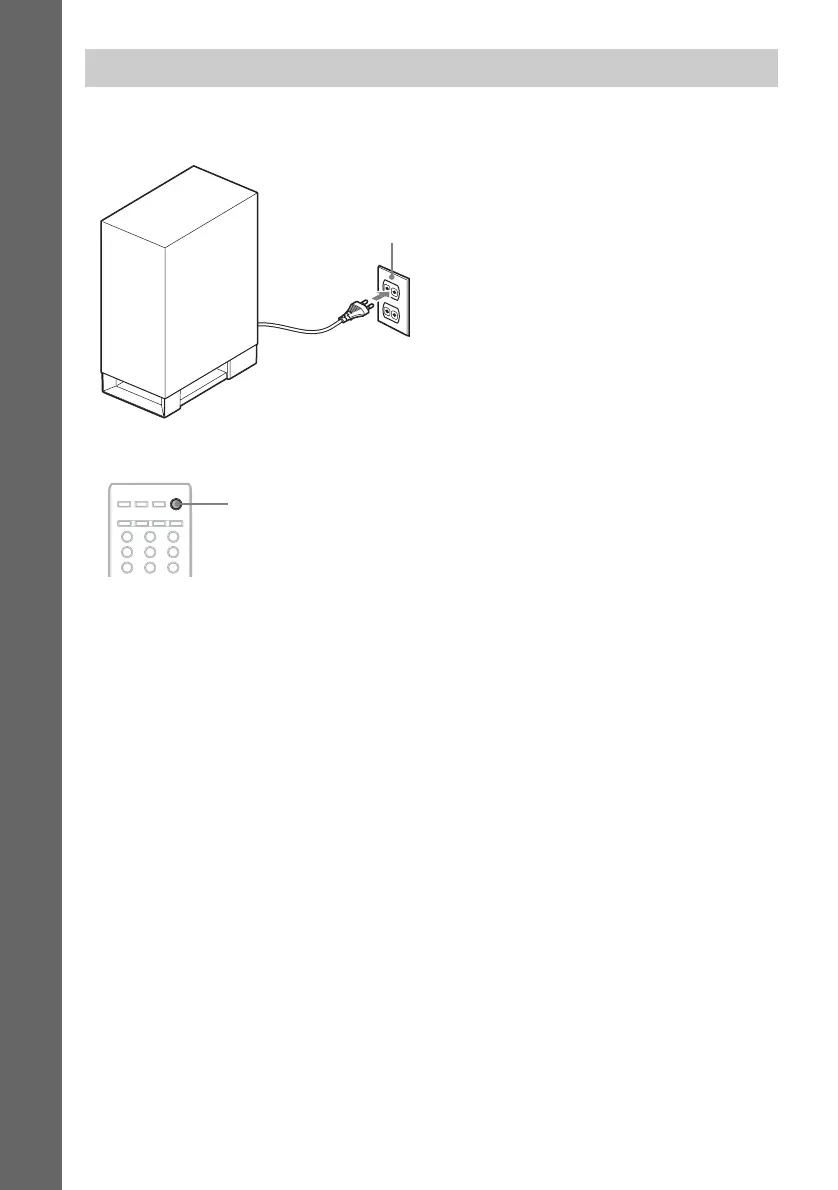
Before connecting the AC power cord (mains lead) of the subwoofer to a wall outlet (mains), connect
all the speakers to the subwoofer.
To turn the system on/off
Press "/1.
To save power in standby mode
Check that the following settings are made:
– [Control for HDMI] is set to [Off] (page 58).
– [Standby Mode] is set to [Normal] (page 74).
Connecting the AC power cord (mains lead)
Wall outlet (mains): The shape
of the wall outlet (mains) differs
depending on the area.
321
654
987
"/1


 To Next Page