Playback
masterpage:Right
specdef v20070110
filename[I:\FM E_data\850138S_BDV-Z2\0527_data
up\4136891111\4136891111BDVZ7AEP\02-BDVZ7AEP\gb05ply.fm]
model name [BDV-Z7_GB]
[4-136-891-11(1)]
41
GB
To view the playing time and
remaining time in the front panel
display
Press TIME repeatedly.
Each time you press TIME while playing the
disc, the display changes:
1 y 2
1 Playing time of the current title
2 Remaining time of the current title
Some displayed items may disappear after a few
seconds.
1 Press OPTIONS during playback.
The options menu appears.
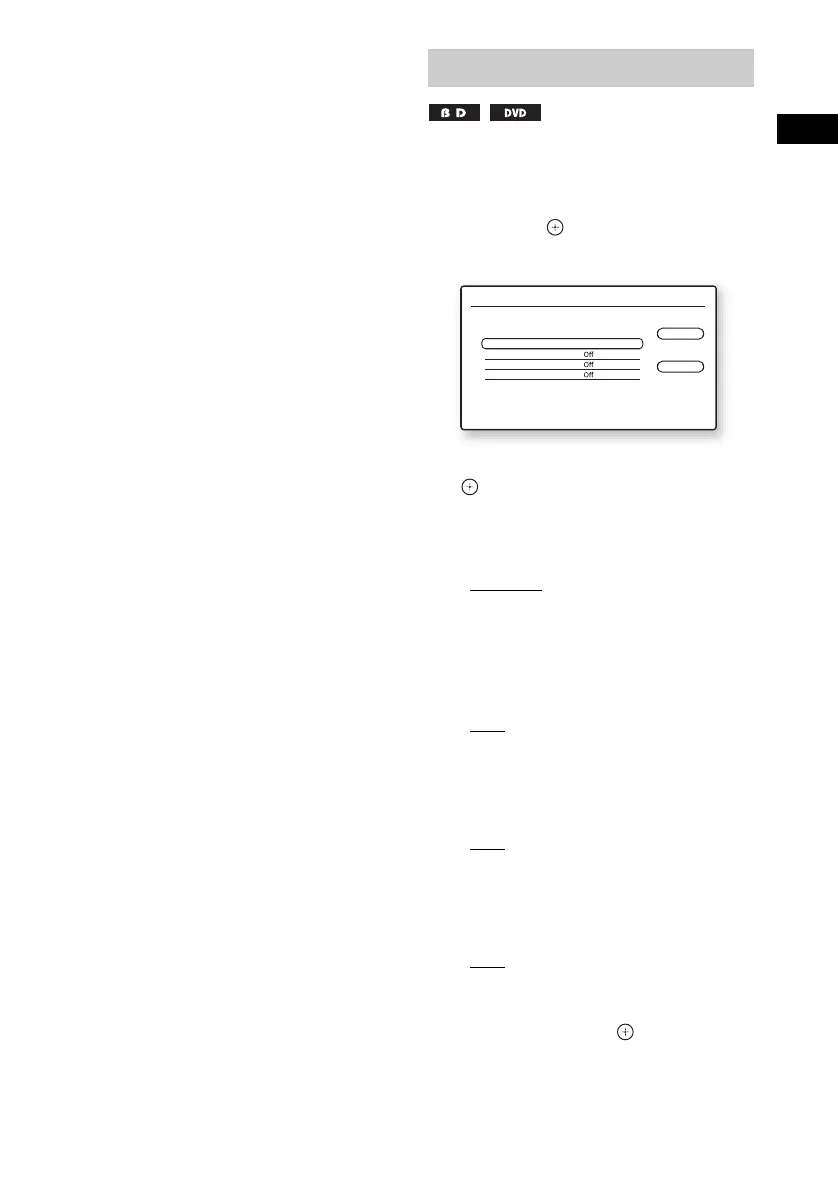
2 Press X/x to select [Video Settings],
then press .
The [Video Settings] screen appears.
3 Press X/x to select an item, then press
.
[Picture Quality Mode]
Optimizes the picture settings for different
lighting environments.
• [Standard]
• [Brighter Room]
• [Theatre Room]
[FNR]
Reduces random noise appearing in the
picture.
•[Off]
•[Auto]
[BNR]
Reduces mosaic-like block noise in the
picture.
•[Off]
•[Auto]
[MNR]
Reduces minor noise around the picture
outlines (mosquito noise).
•[Off]
•[Auto]
4 Press C/X/x/c to select or adjust the
settings, then press .
To adjust any other items, repeat steps 3 and
4.
Adjusting pictures for videos
Video Settings
Standard
Close
Standard
Picture Quality Mode
FNR
BNR
MNR
Select the item you want to change.


 To Next Page