39
Chapter 2 Menu
Note
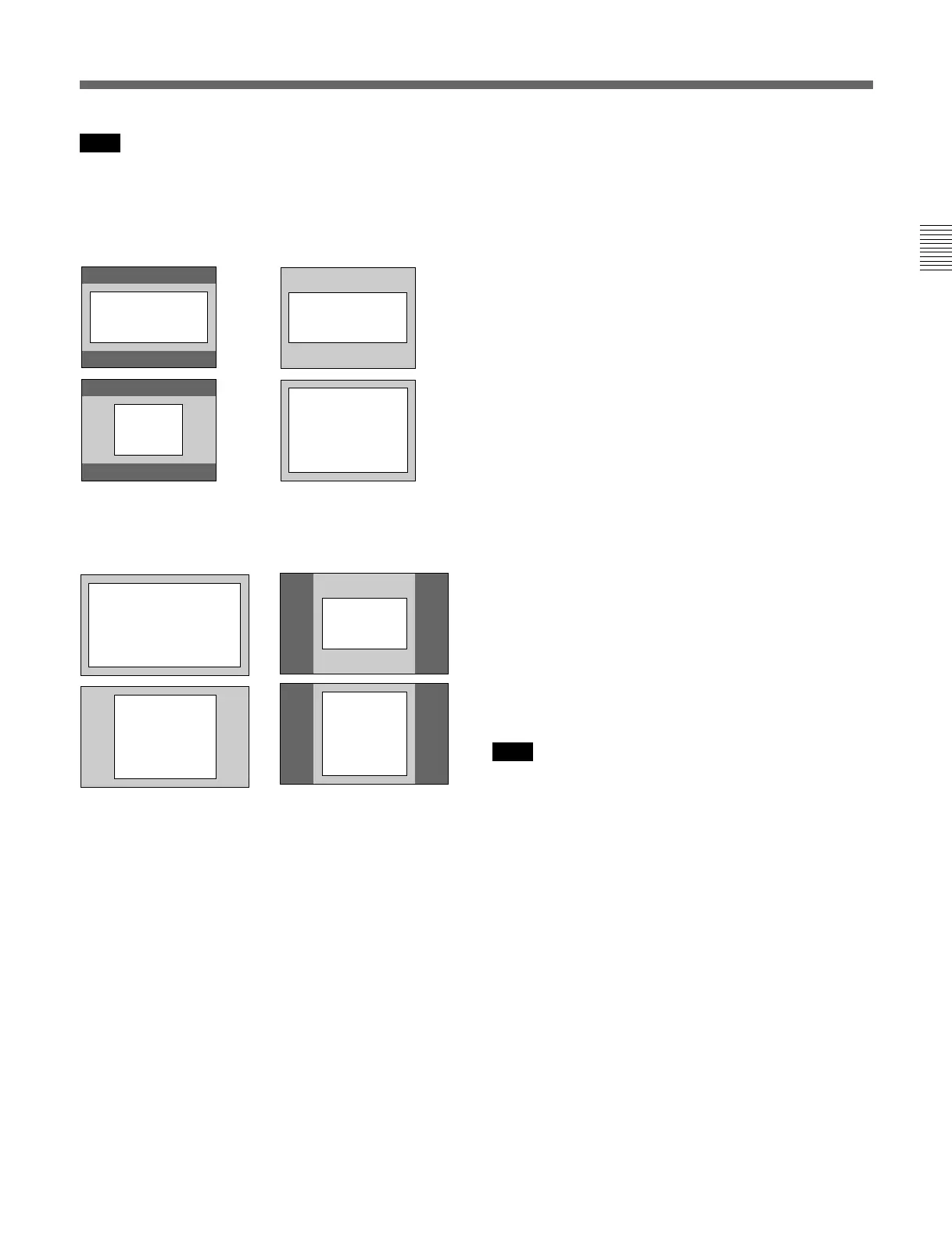
The size of the safe area for the 16:9-xx% or 4:3-xx%
setting depends on the 16:9 button ON/OFF setting.
BVM-D20F1U/D20F1E/D20F1A
With 16:9 button ON With 16:9 button OFF
BVM-D24E1WU/D24E1WE/D24E1WA/
D32E1WU/D32E1WE/D32E1WA
With 16:9 button ON With 16:9 button OFF
[C15] CHANNEL NAME menu
Give the channel a name. Select a preset name, or
enter a new one.
PROG: Program signal
EDIT: Signal from an editor
CAM: Camera signal
VTR: Signal from a VTR
NEW NAME: Enter a new name. (Up to 20
characters can be entered and up to six characters
from the head of the name are displayed in the
INPUT CONFIGURATION menu ([C1] 2/2).)
[C16] COLOR TEMP menu
Select STD, COL1, COL2 or CH SET.
STD: Use common data (factory setting: D65).
COL1: Use common data (factory setting: D93).
COL2: Use common data (factory setting: D56/
D65
1)
).
CH SET: Use data for each individual channel.
[C17] COPY FROM menu
Select the source to be copied from.
OTHER CH: Copy data from another channel. Enter
the channel number.
OTHER MONITOR... : Copy data from a BVM-
DxxE/DxxF series monitor. ÷ [C171]
MEMORY CARD... : Copy data from a memory
card. ÷ [C172]
[C171] OTHER MONITOR menu
Enter the address number of the source monitor.
MONITOR ADDRESS: Enter the address number of
the monitor from which to copy data. ÷ [C1711]
[C1711] MONITOR ADDRESS menu
Assign the channel of the selected monitor from which
to copy data. ÷ Copy is carried out.
CH NO: Enter the channel number.
[C172] MEMORY CARD menu
Select the file name.
FILE NAME: Select the file name. ÷ [C1721]
Note
The input signal is not displayed during the data
loading.
[C1721] FILE NAME menu
Assign the channel of the selected file from which to
copy data. ÷ Copy is carried out.
CH NO: Enter the channel number.
16:9 80% 16:9 80%
4:3 80% 4:3 80%
16:9 80% 16:9 80%
4:3 80%
4:3 80%
1) D56: BVM-D20F1U/D24E1WU/D32E1WU
D65: BVM-D20F1E/D20F1A/D24E1WE/D24E1WA/D32E1WE/D32E1WA
........................................................................................................................................................................................................



 To Next Page
 Loading...


