18
BVM Series
Front panel
Rear panel
BVM-E250 monitor
BKM-16R monitor control unit
BKM-37H attachment stand
BVM-F250 monitor
BKM-16R monitor control unit
BKM-38H attachment stand
BVM-E170 monitor
BKM-16R monitor control unit
BKM-39H attachment stand
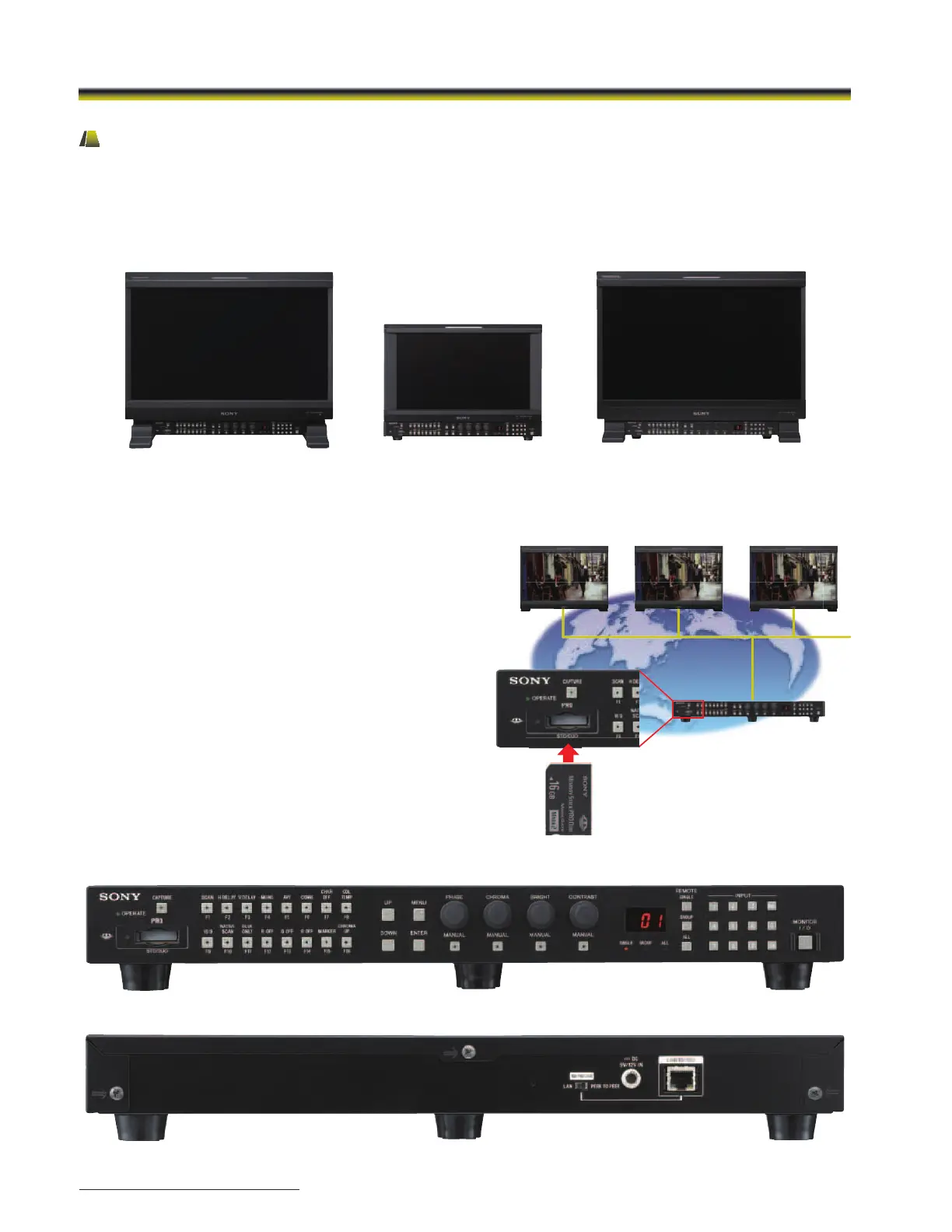
Modular Monitor Control Unit (BKM-16R)
BVM-E and BVM-F Series monitors and their control panels are provided as separate units, allowing greater flexibility for system
integration. The BVM-E and BVM-F Series monitors incorporate a monitor control unit, the BKM-16R as an option.
This BKM-16R control unit can be attached beneath the monitor using the optional controller attachment stand*, or connected
remotely via an Ethernet cable.
* The BVM-E20 and BVM-F20 use the BKM-37H and BKM-38H Attachment Stands. The BVM-E170 and BVM-F170 use the BKM-39H Attachment Stand.
Copy function for monitor setup and adjustment data
The optional BKM-16R control unit includes a Memory Stick slot*
1
to save and load monitor configuration and adjustment settings.
This is useful for multiple monitor systems, allowing the transfer of
one monitor’s setup and adjustment data to another.*
2
This data can also be transferred via the BVM’s Ethernet
connection.
*1 Memory Stick, Memory Stick PRO, Memory Stick Duo, Memory Stick PRO Duo,
and Memory Stick Micro (an optional adaptor is required) can be used.
*2 Data can be moved between BVM-E and BVM-F Series monitors.
“+12dB Chroma UP” function
A Chroma UP” button located on the front panel of the BKM-16R
allows the chroma level to be boosted by +12 dB.
This is a convenient feature for adjusting camera white balance
with a higher degree of accuracy.
BKM-16R Monitor Control Unit
Ethernet


 To Next Page
 Loading...
