Adjustment Using the Menus
30
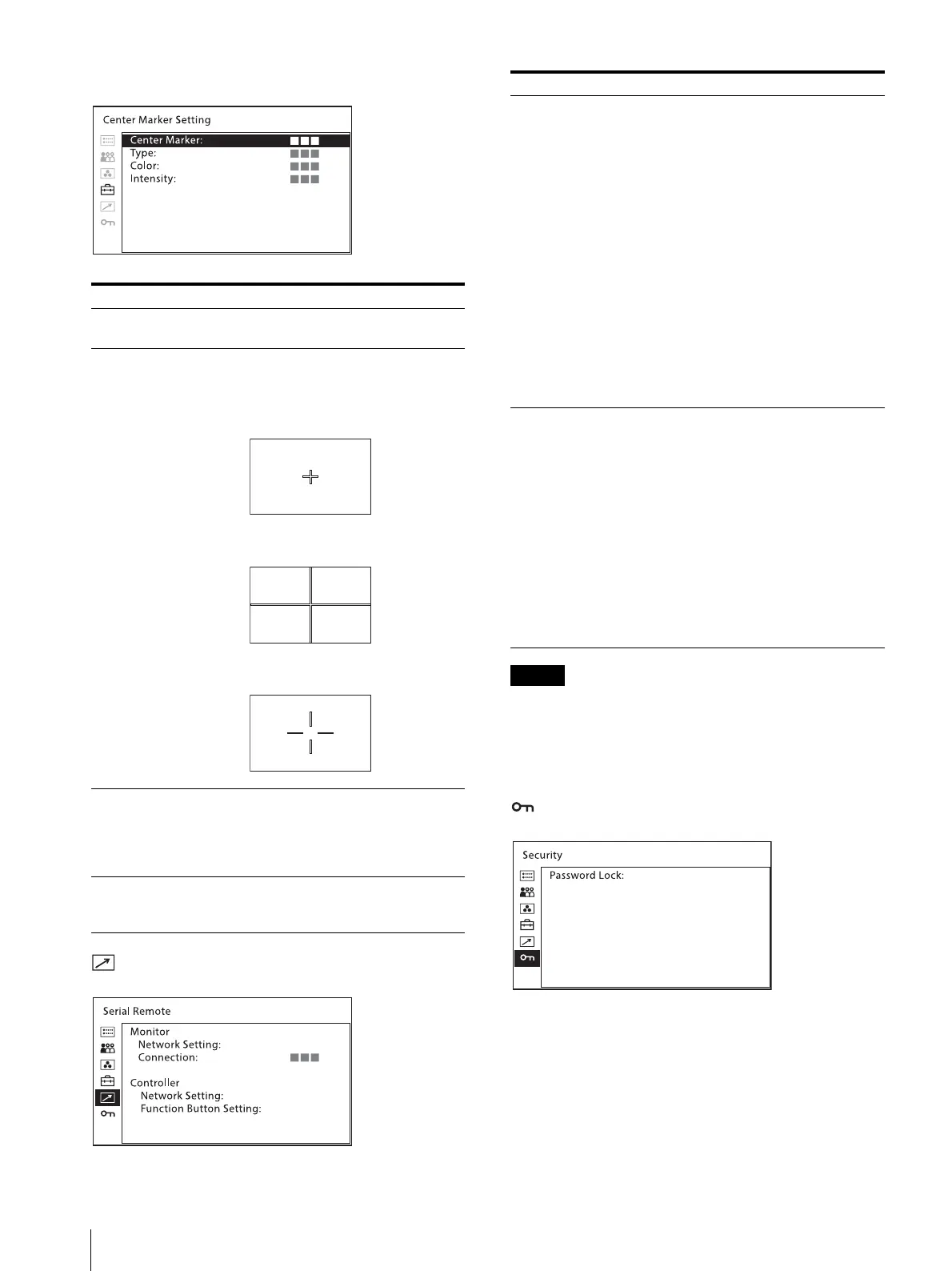
[Center Marker Setting]
[Serial Remote] menu
[Controller] menu is available when the menu is
displayed via BKM-16R. (Only when BKM-16R is
connected with the Peer to Peer connection or Single
connection.)
[Security] menu
Submenu Setting
[Center Marker] Sets whether or not to display the center
marker ([Off] or [On]).
[Type] Sets the display mode of the center
marker.
You can select from [Type1], [Type2],
or [Type3].
[Type1]
[Type2]
[Type3]
[Color] Sets the color of the center marker.
You can select from [White] (white),
[Red] (red), [Green] (green), [Blue]
(blue), [Yellow] (yellow), [Cyan] (cyan)
or [Magenta] (magenta).
[Intensity] Sets the luminance of the center marker.
You can select from [High] (bright) or
[Low] (dark).
Submenu Setting
[Monitor] Sets the monitor setting.
[Network Setting]
[Monitor ID]: Sets the ID of the
monitor.
[Group ID]: Sets the group ID of the
monitor.
[IP Address]: Sets the IP address.
[Subnet Mask]: Sets the subnet mask.
([255.255.255.000])
[Default Gateway]: Sets the default
gateway [On] or [Off].
[Address]: Sets the default gateway.
[Cancel]: Selects to cancel the setting.
[Confirm]: Selects to save the setting.
[Connection] Sets the connection of the monitor and
the controller.
[Peer to Peer]: for one to one
connection
[LAN]: for connection via a network
[Controller] Sets the controller setting.
[Network Setting]
[IP Address]: Sets the IP address.
[Subnet Mask]: Sets the subnet mask.
([255.255.255.000])
[Default Gateway]: Sets the default
gateway [On] or [Off].
[Address]: Sets the default gateway.
[Cancel]: Selects to cancel the setting.
[Confirm]: Selects to save the setting.
[Function Button
Setting]
Set functions to be assigned to the F1 -
F16 button on the controller.
For available functions with BVM-X300,
see page 13.






 To Next Page