41
Advanced Operations / Operaciones avanzadas
CCD-TR2200E/TR3300E 3-856-204-12 (1)
Enjoying picture
effect
Selecting picture effect
You can make pictures like those of television
with the Picture Effect function.
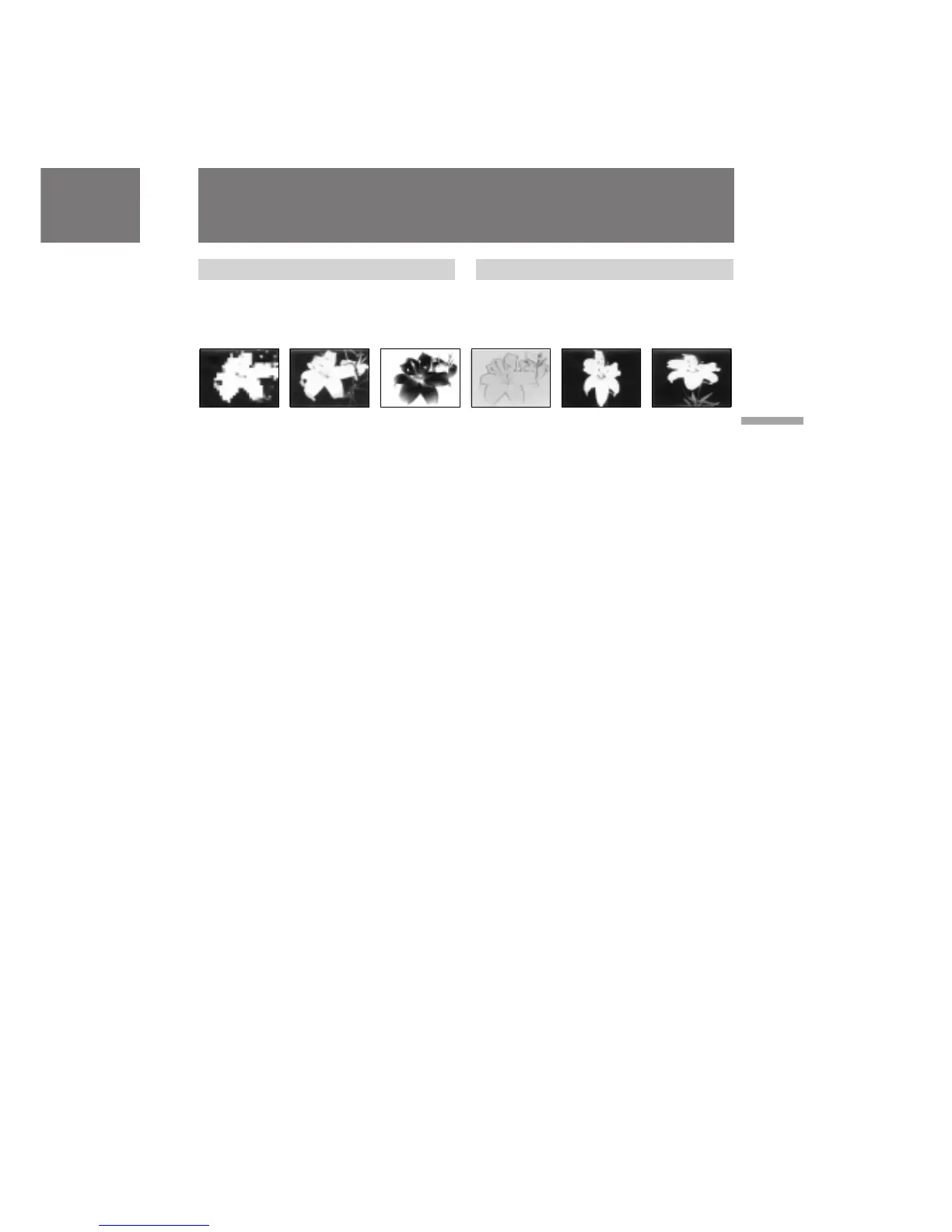
MOSAIC [a]
The picture is mosaic.
SOLARIZE [b]
The light intensity is more clear, and the picture
looks like an illustration.
B&W
The picture is monochrome (black and white).
SEPIA
The picture is sepia.
NEG. ART [c]
The picture is reversed.
PASTEL [d]
The contrast of the picture is emphasized, and
the picture looks like an animated cartoon.
SLIM [e]
The picture expands vertically.
STRETCH [f]
The picture expands horizontally.
[a] [b] [c]
Uso del efecto de
imagen
Selección del efecto de imagen
Con la función de efecto de imagen, es posible
obtener imágenes como las de televisión.
MOSAIC [a]
La imagen aparece con efecto mosaico.
SOLARIZE [b]
La intensidad de iluminación es mayor y la
imagen parece una ilustración.
B&W
La imagen es monocromo (blanco y negro).
SEPIA
La imagen aparece en sepia.
NEG. ART [c]
La imagen se invierte.
PASTEL [d]
El contraste de la imagen se enfatiza y dicha
imagen parece un dibujo animado.
SLIM [e]
La imagen se expande verticalmente.
STRETCH [f]
La imagen se expande horizontalmente.
[d]
[e] [f]








 To Next Page