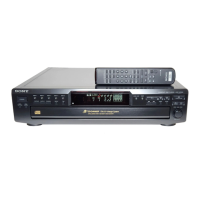
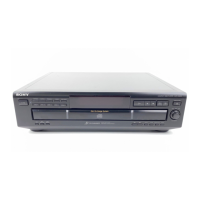
Basic Operations
6
1
2
3
• See pages 4 – 5 for the hookup
information.
Playing a CD
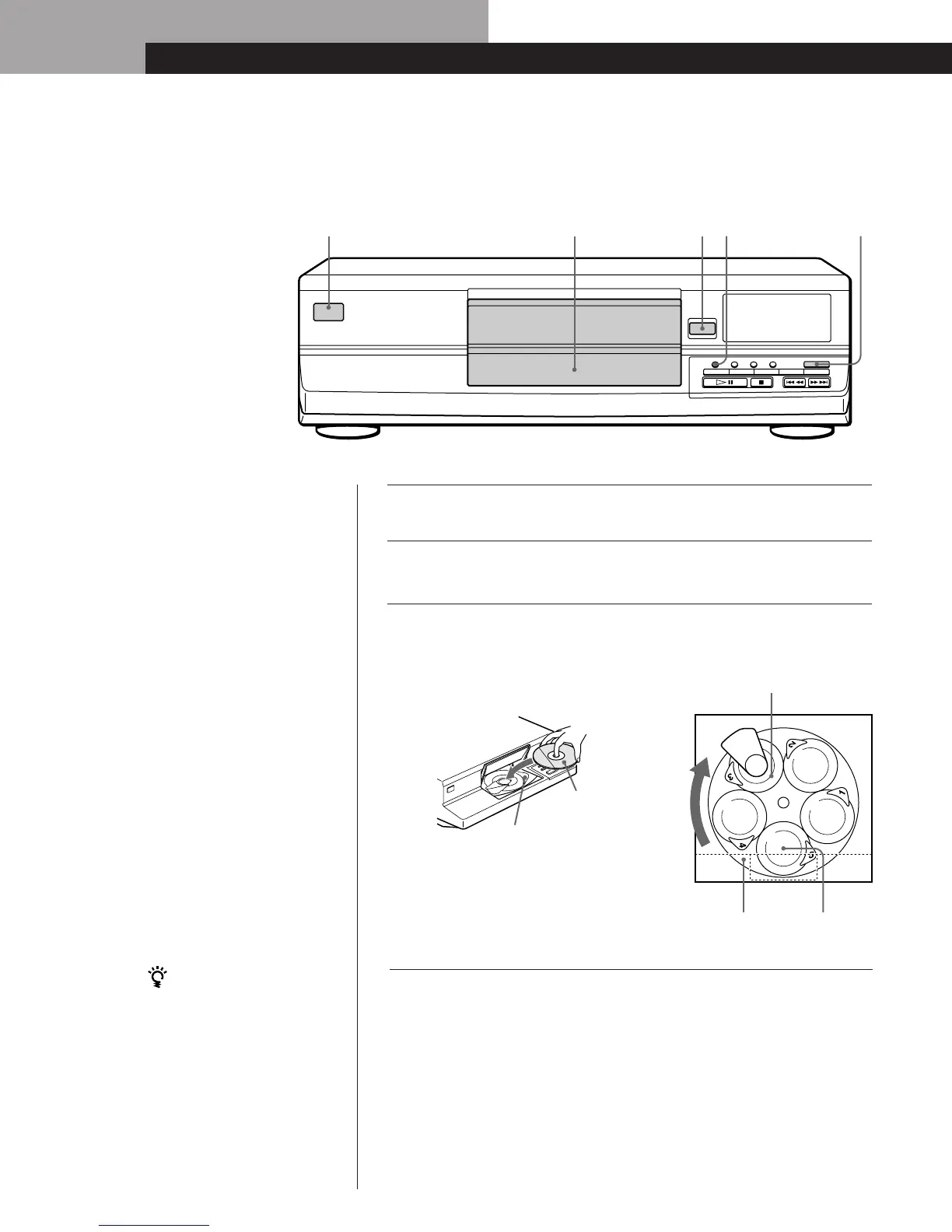
DISC 1 DISC 2 DISC 3 DISC 4 DISC 5
CONTNUE SHUFFLE PROGRAM REPEAT DISC SKIP
OPEN
POWER
6
You can select the disc tray
directly
Press one of the DISC 1–5
buttons. The disc tray rotates
and you can place a disc in the
empty disc compartments
(loading position).
4
To place other discs, press DISC SKIP and place the discs in the
order you want to play.
Each time you press the button, the disc tray rotates and you
can place the discs in the empty disc compartments.
The player will play the disc at the loading position.
Turn on the amplifier and select the CD player position so that
you can listen to the sound from this player.
Press POWER to turn on the player.
Press OPEN, and place a disc on the disc tray at the loading
position.
With the label
side up
Disc number
and indicator
Place the disc after the indicator lights up.
Loading
position
Disc tray
Playing position
5
342



 To Next Page